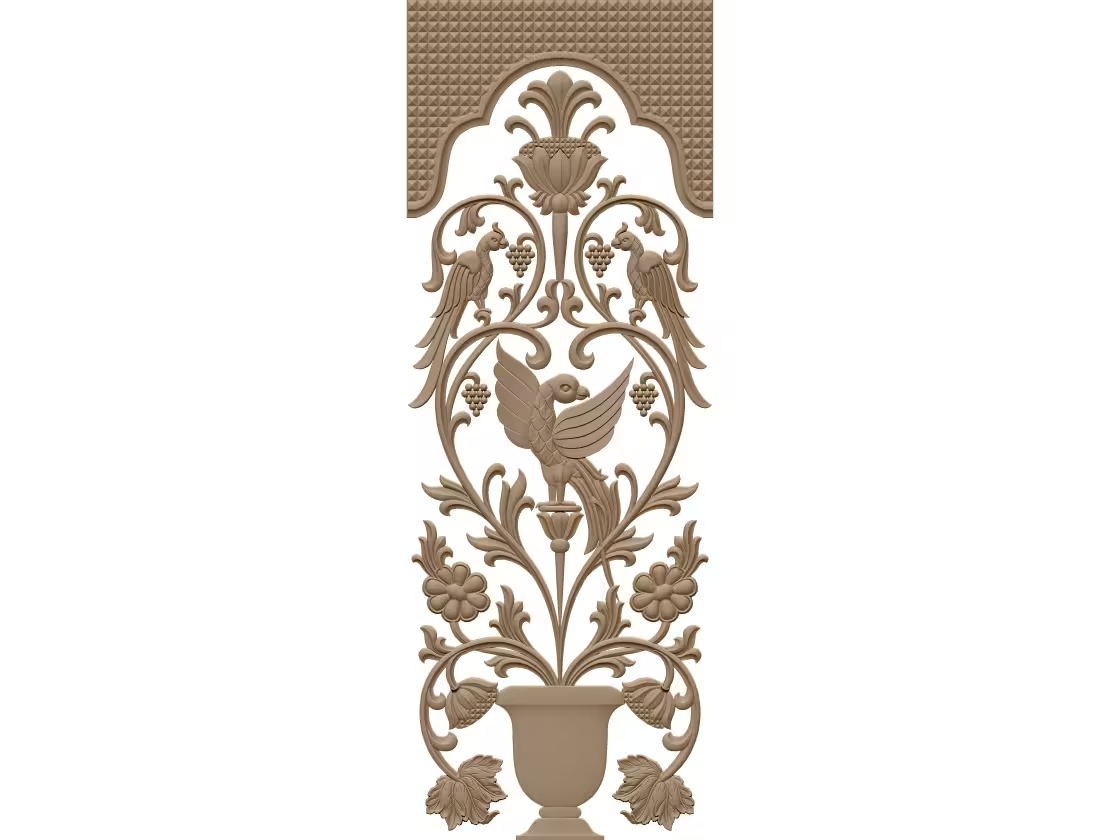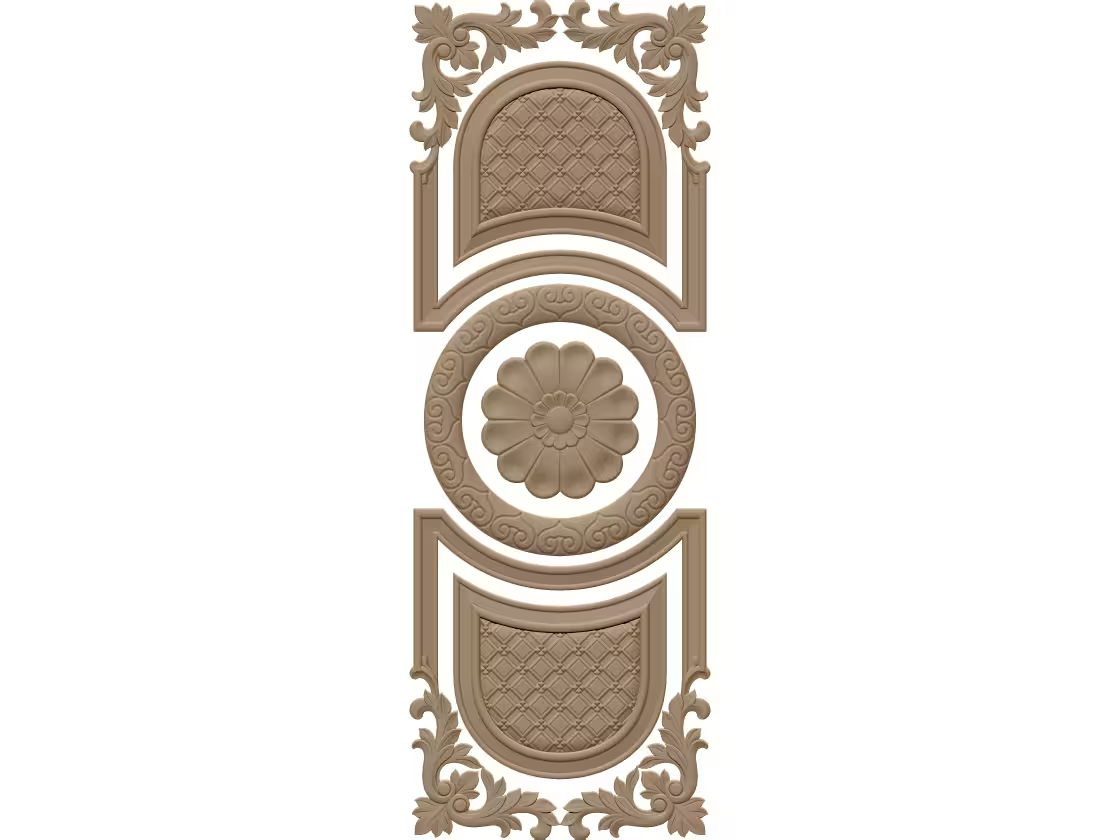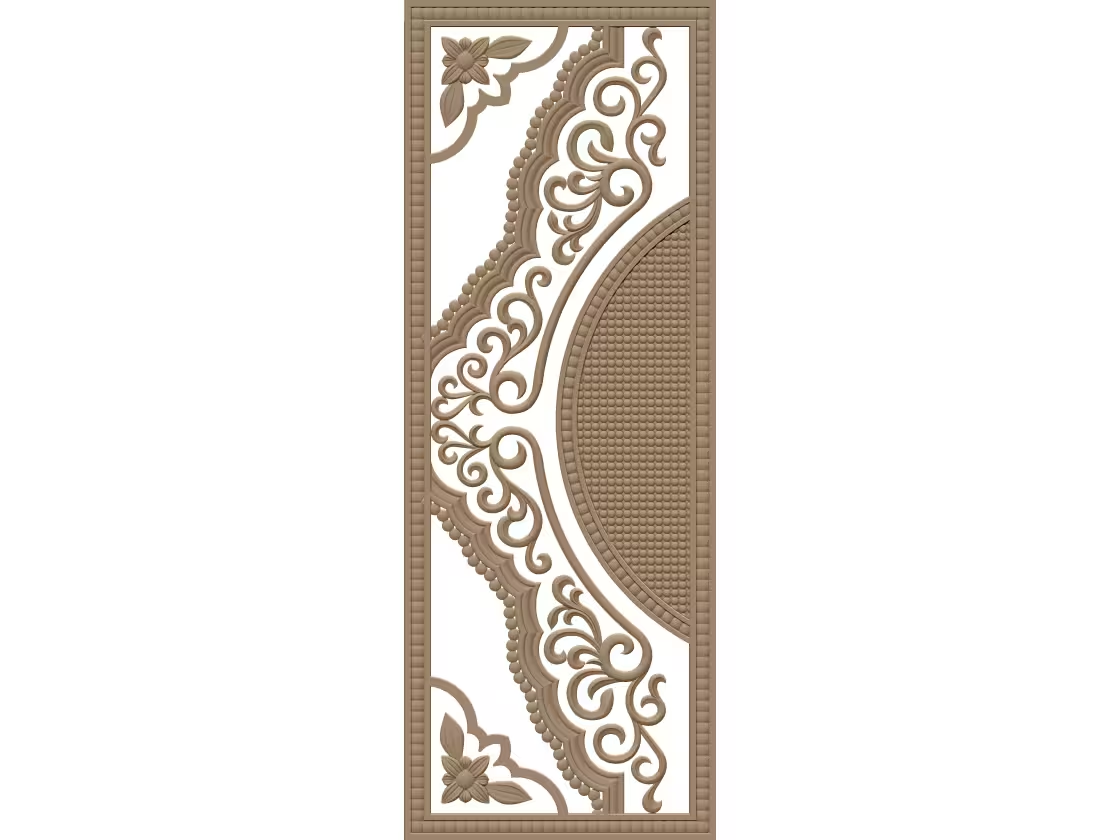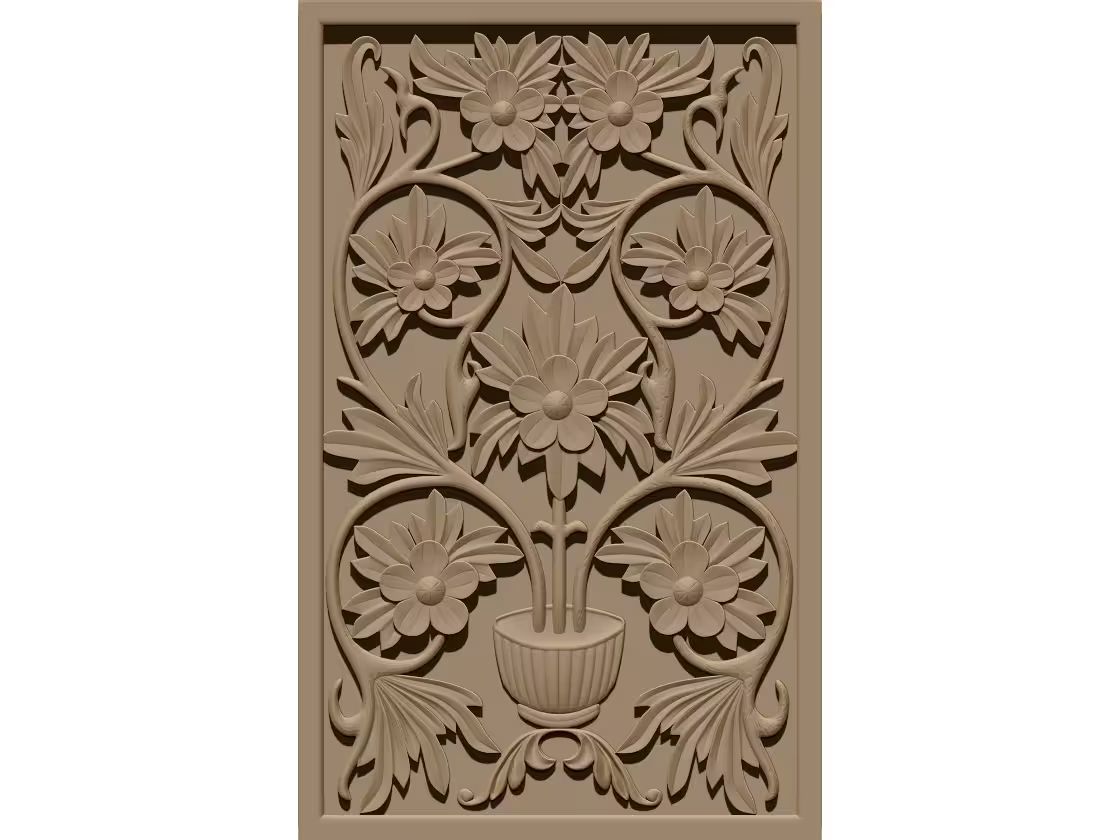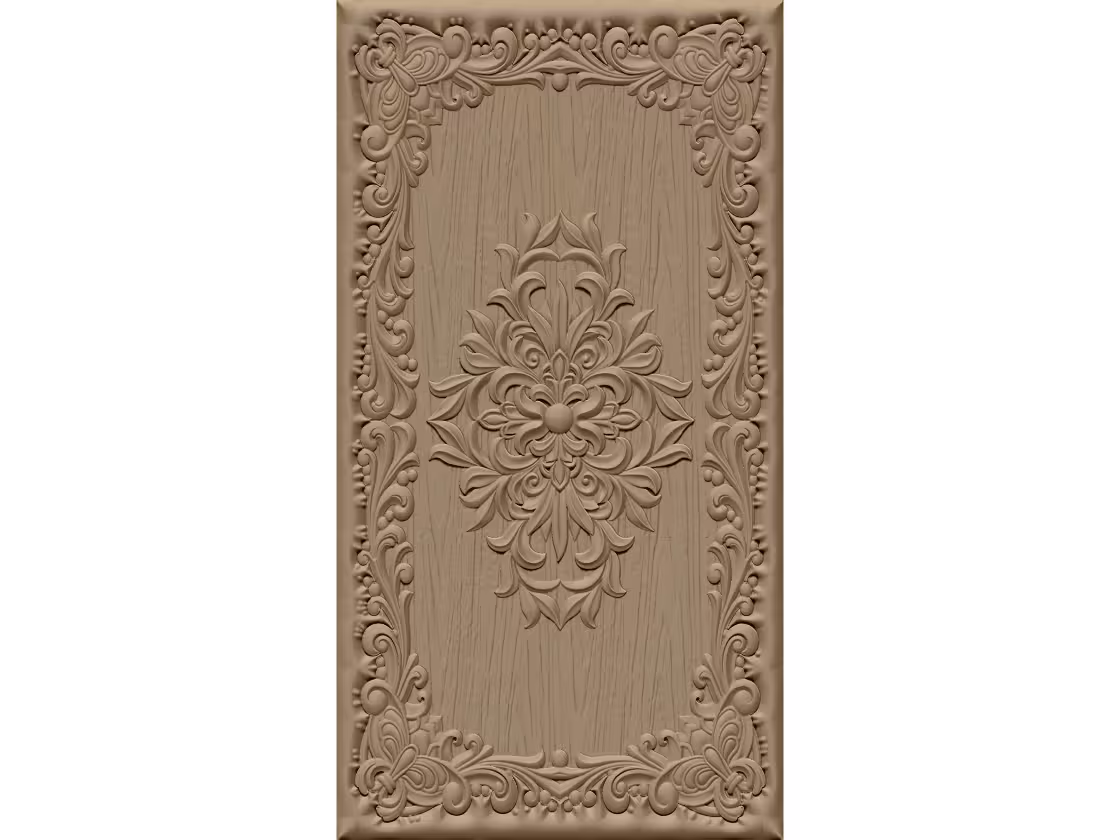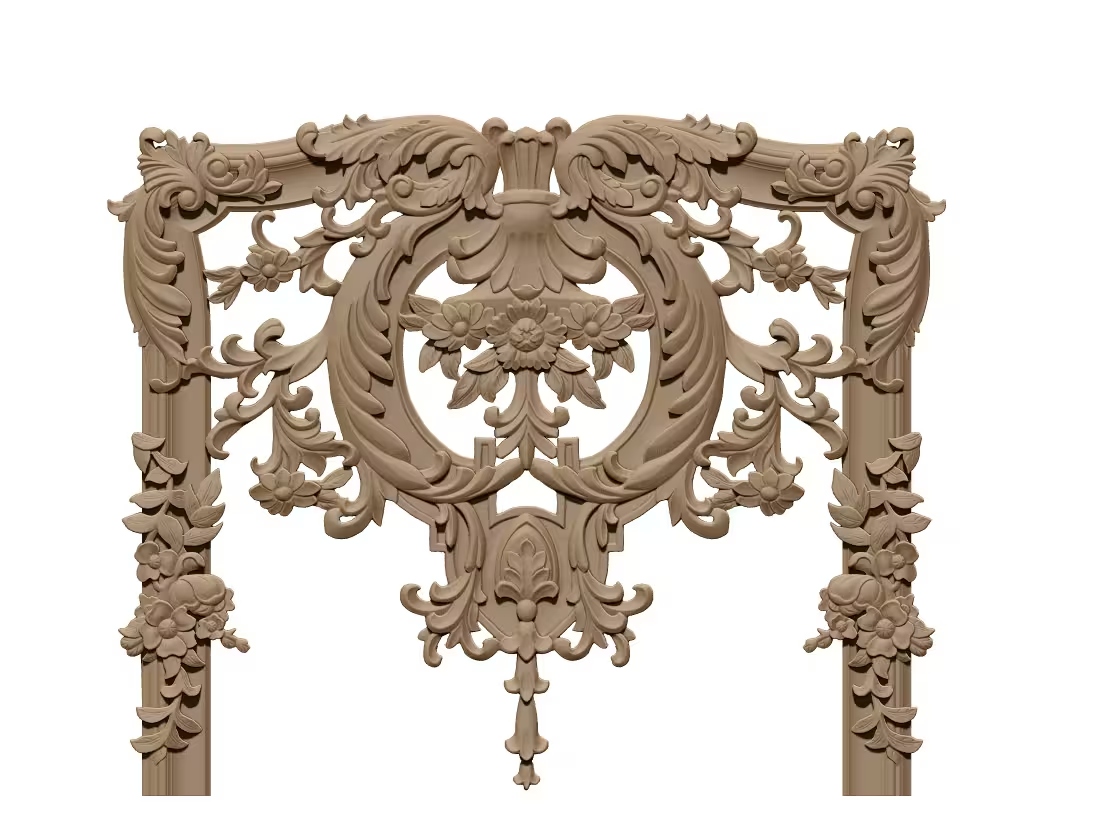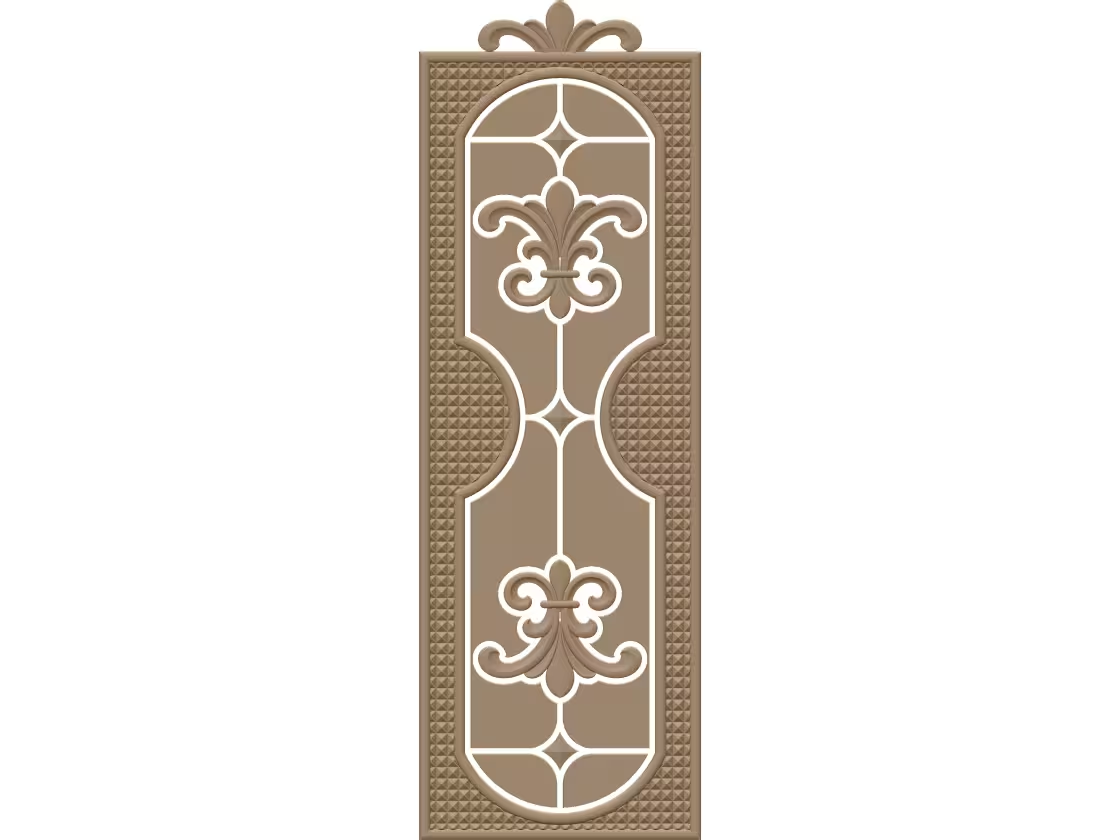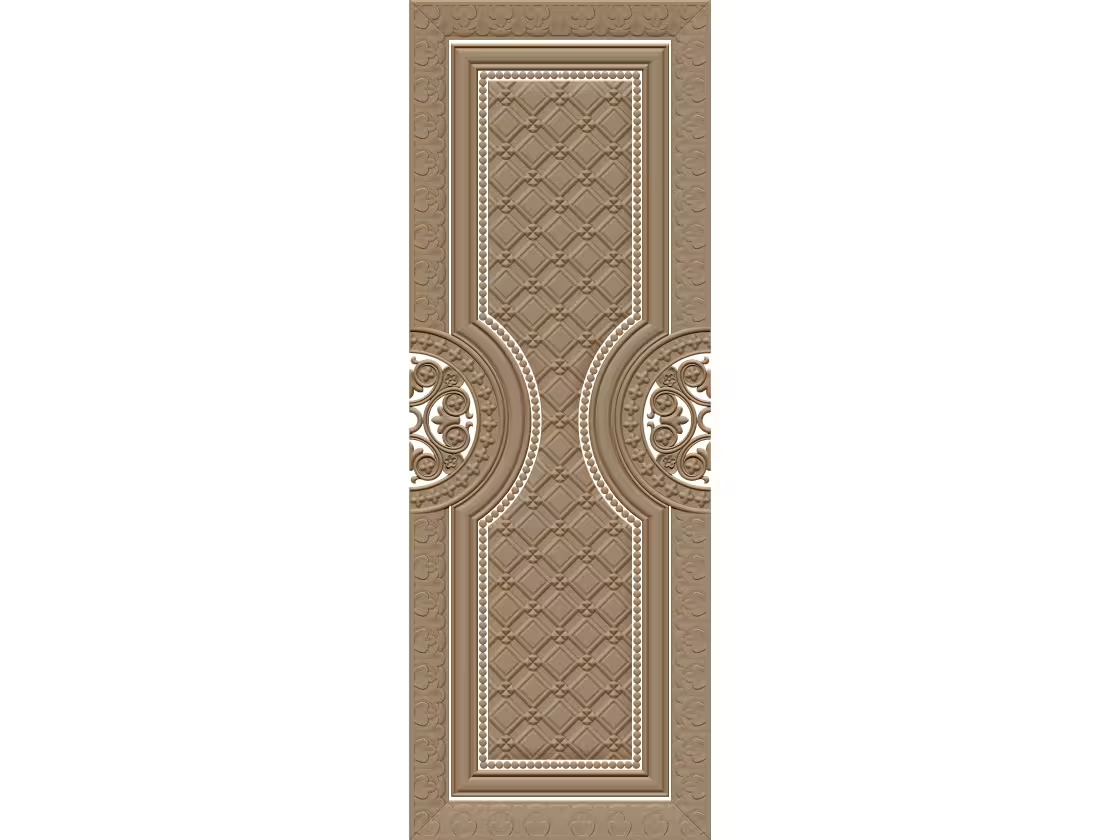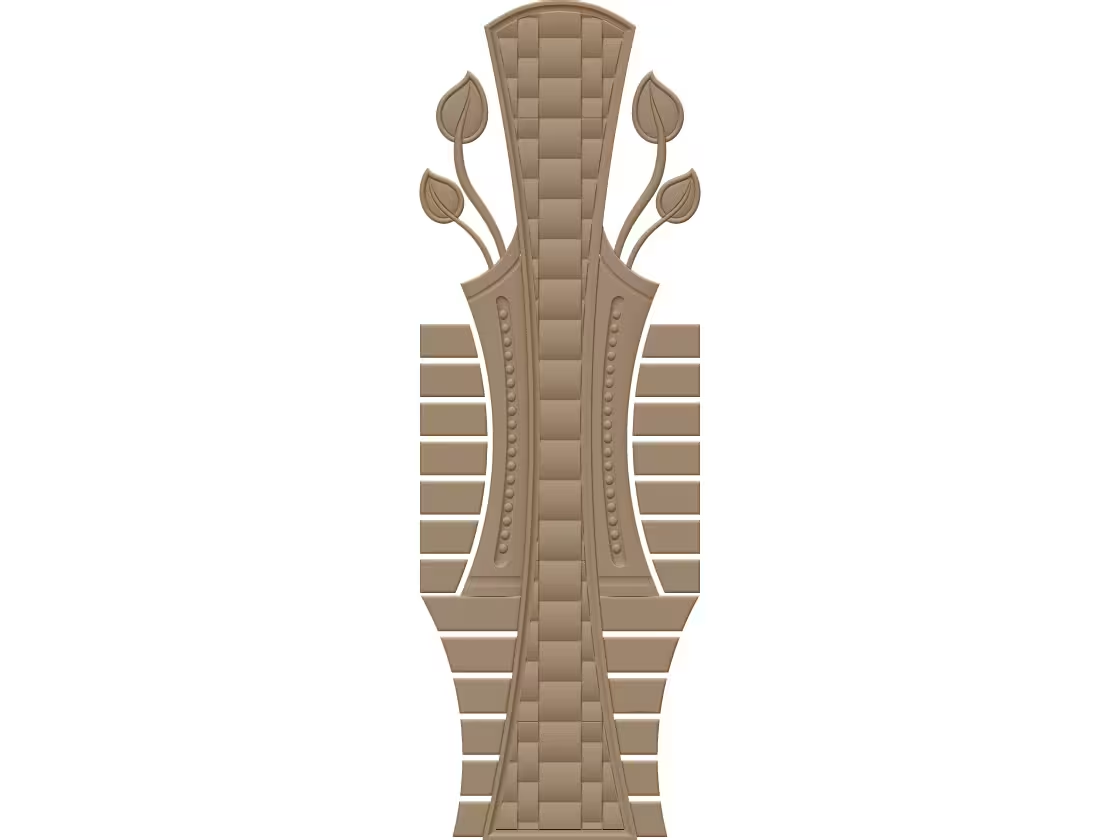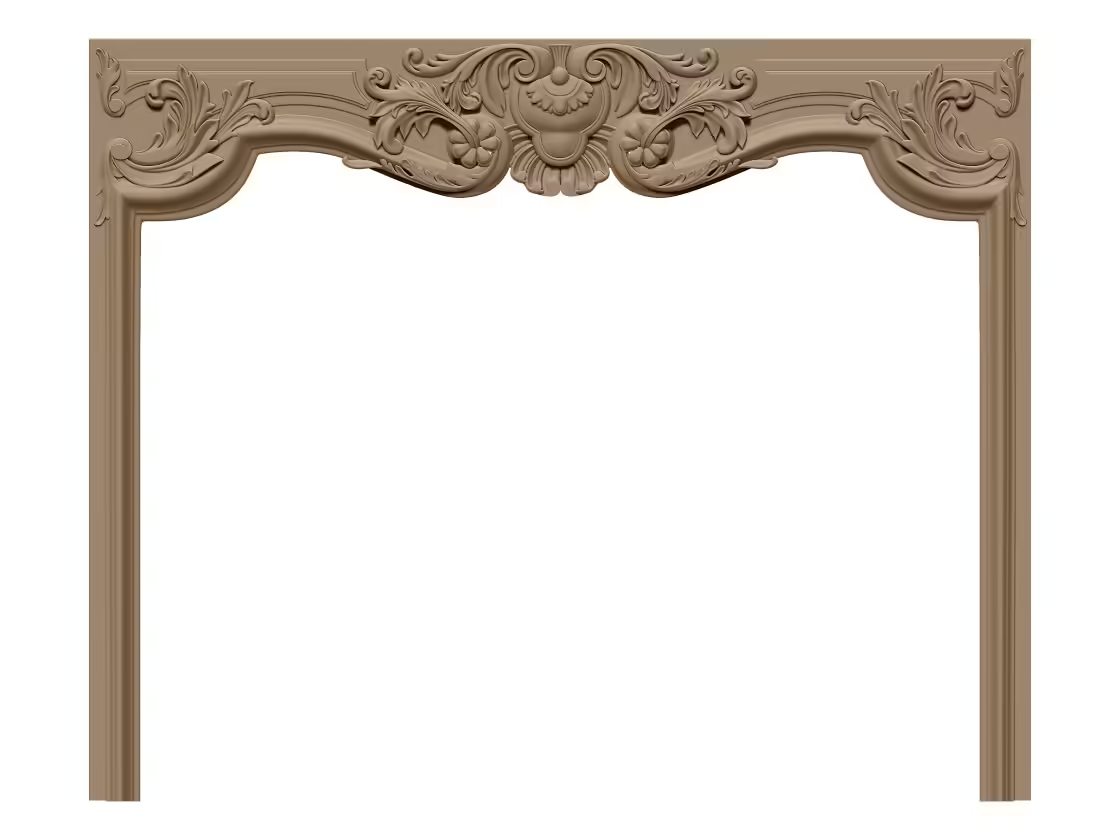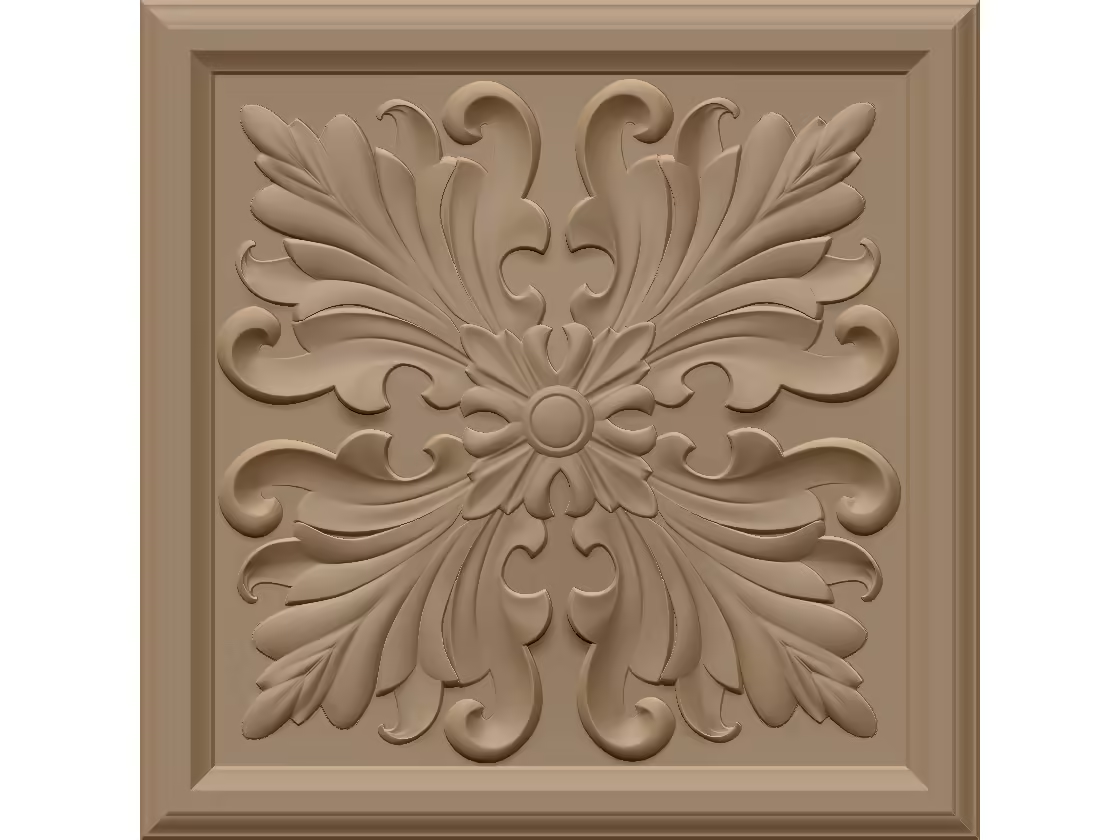
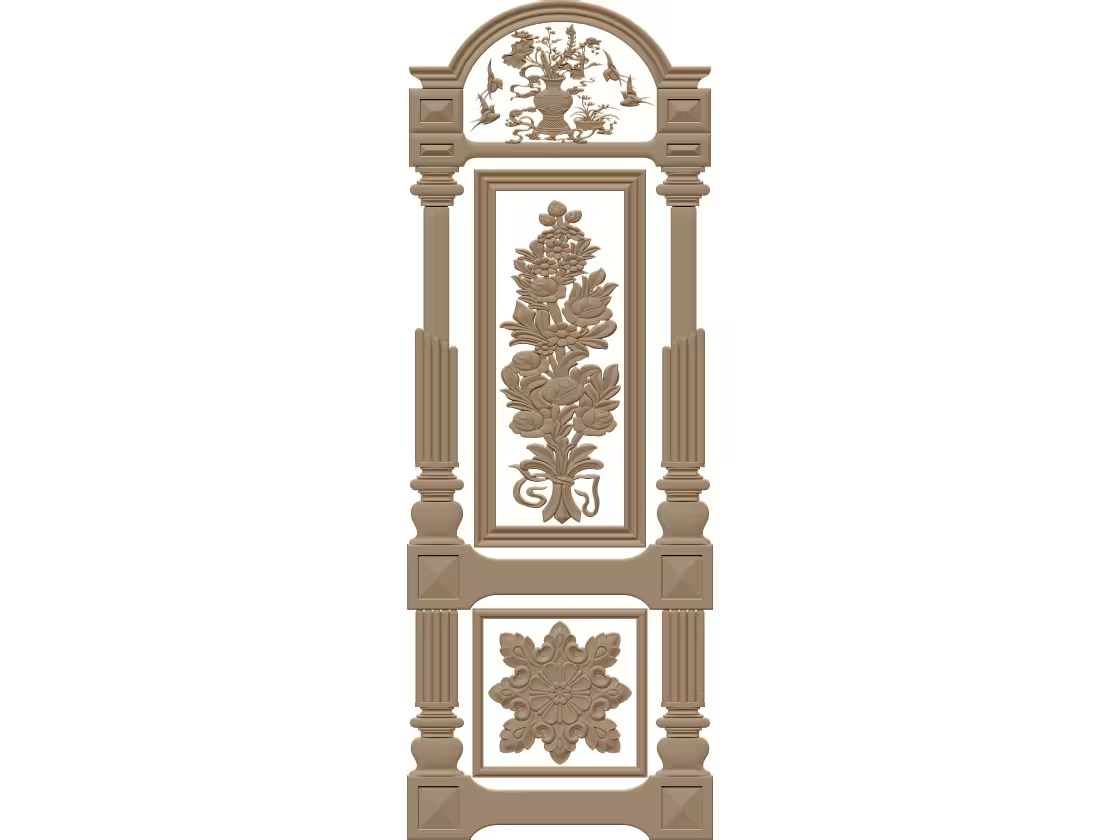
What a Ready-to-Use 3D Door STL Offers
A ready-to-use 3D door STL can provide a practical starting point for CNC carving, especially when a project calls for decorative depth without the time required to model every detail from scratch. The file describes the surface geometry that carving software translates into toolpaths. Depending on the design, it may feature raised panels, floral motifs, geometric borders, or traditional ornamentation.
Before committing to a model, review its intended use and confirm that the geometry suits your machine and project. A decorative relief for a cabinet door, for example, may not be appropriate for a full-size entry door. Check the model’s dimensions, thickness assumptions, scale, and whether it represents a complete door or only a carved panel.
Check the File Before Carving
STL files can vary greatly in quality. Inspect the model in a compatible viewer or CAM program for holes, intersecting surfaces, uneven details, and excessive polygon complexity. A clean, watertight mesh is generally easier to prepare for machining. Also verify that the relief has enough depth to remain visible after sanding and finishing, while avoiding details too small for the chosen cutter.
Tool selection matters. Large end mills remove material efficiently from broad areas, while ball-nose cutters can capture curved relief and fine transitions. The appropriate bit depends on the design, material, machine capability, and desired finish. Simulate toolpaths before cutting to identify missed areas, collisions, or unexpectedly long machining times.
Plan for Material and Finish
Wood species, grain direction, and board stability influence the final result. Secure the workpiece firmly and consider a test carve in an offcut, particularly when using an unfamiliar model or material. Allow sufficient stock for cleanup and finishing, and follow the machine manufacturer’s safety guidance throughout the process.
A well-chosen door STL can streamline design preparation, but it is not a substitute for careful setup. Confirm licensing terms, adapt the dimensions to the intended opening, and review every toolpath. With those checks in place, a digital relief can become a precise, distinctive carved feature.
Thank You for Being Here
We’re so happy you stopped by! We hope you enjoy your experience and discover the perfect CNC design files for your projects. If you ever need assistance, don’t hesitate to reach out. We’re always glad to help.
Wishing you happy carving, smooth projects, and endless creativity! ✨😊

CNC File & Carving Specifications
Verified Cut-Ready- Delivered Format: Water-tight 3D Mesh STL format (Zero non-manifold edges, instant CAM calculation)
- Tested Programs: Carveco, Vectric Aspire, ArtCAM, Rhino3D, DeskProto, Mach3/UGS
- Toolpath Recommendations: Roughing: 6mm Endmill | Fine Detail: 2mm - 3.175mm Ball Nose for ultra-smooth surface finish
- Recommended Materials: Teak Wood, Sheesham, Solid White Oak, Mahogany, and HDHMR Board
- CNC Compatibility: Standard 3-Axis Flatbed CNC Router, Rotary 4th Axis, Heavy Industrial CNC
- Stock Sizing: Proportionally scalable X/Y/Z dimensions to match your exact project size with zero distortion