
Turn Any Image into 3D CNC Relief Models in Seconds
Transform photos, portraits, ornate vectors, and sketches into watertight 3D Bas-Reliefs, YangHua wood carvings, and coin molds. Engineered specifically for CNC Routers, Laser Engravers, and 3D Printers.
See The Carving Quality
Experience production-grade organic 3D bas-relief sculpting with silky-smooth surfaces and razor-sharp fine details.
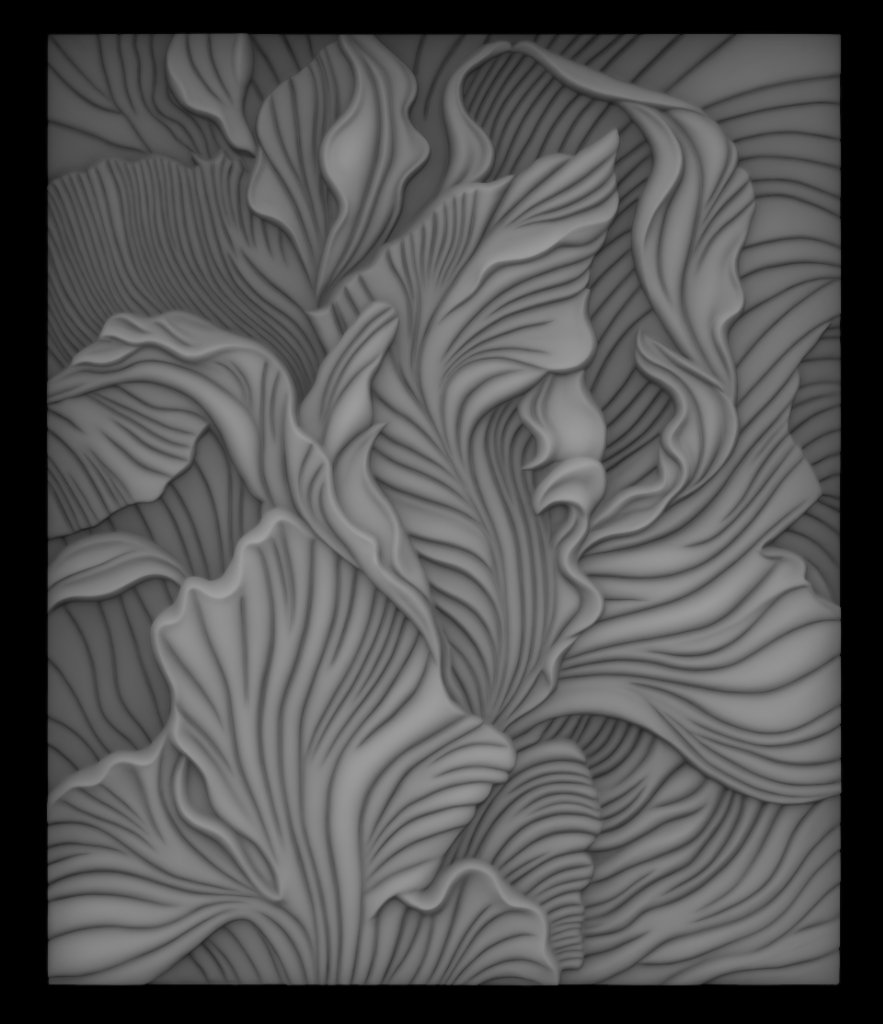
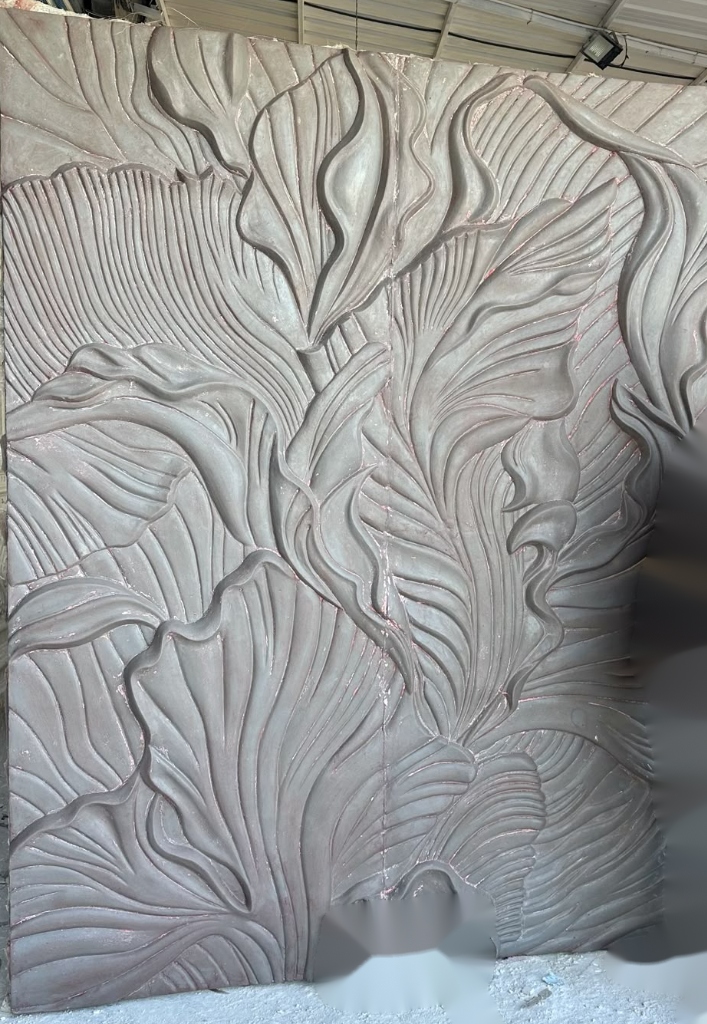
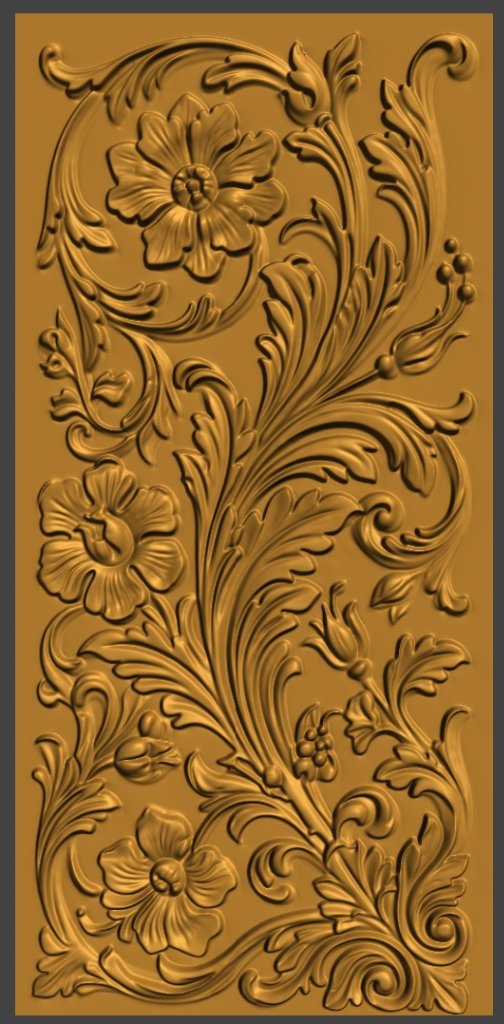
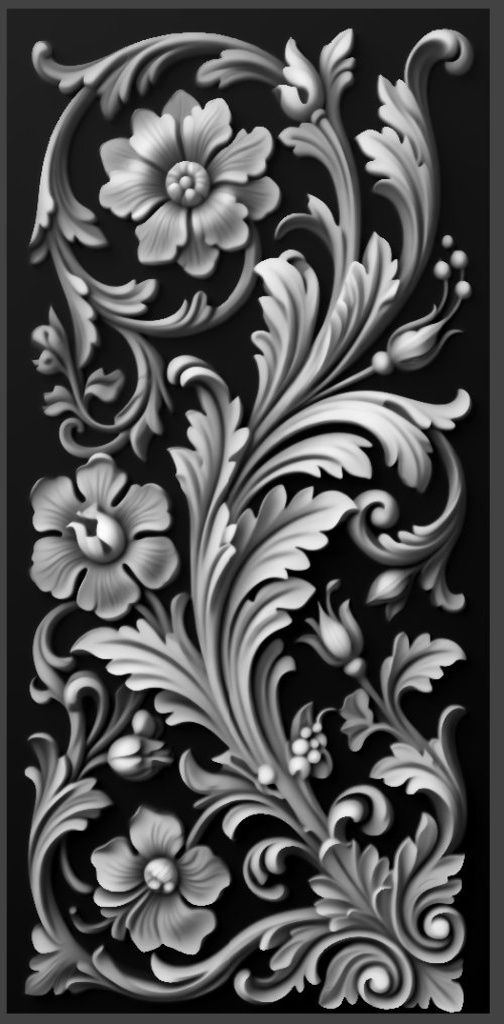
 ✏️ 2D Line Art Drawing
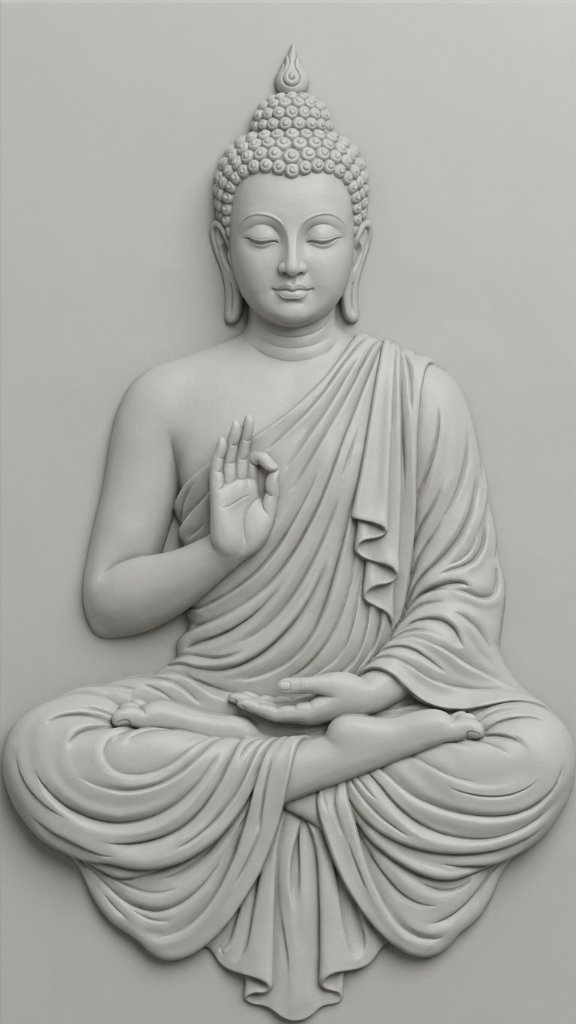 🪵 3D Carved Relief
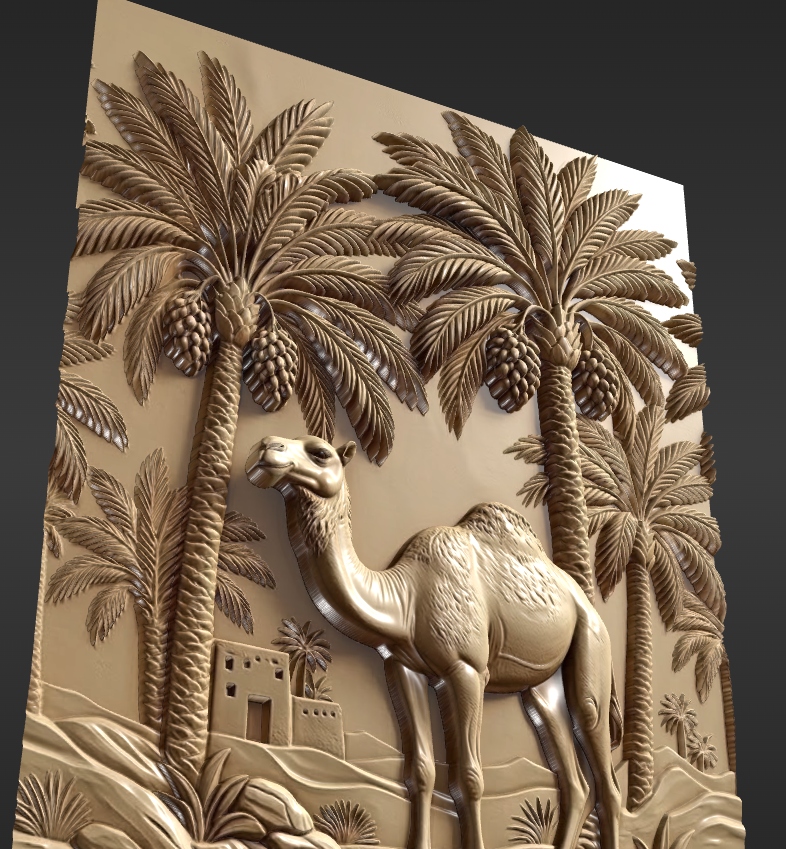 Textured Real-Time View
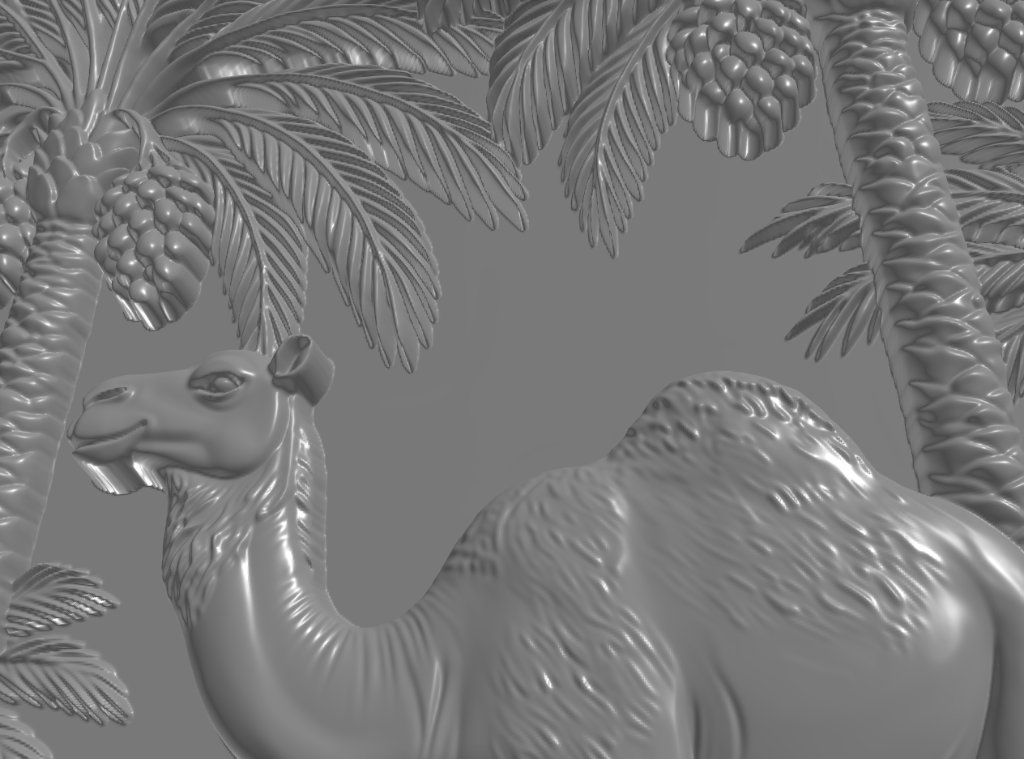 Studio Silver Clay 3D
CNCSculpt Studio v1.4.2 in Action
Real-time OpenGL/DirectX shaded 3D viewports, multi-axis orbit, precision depth scale controls, and 2D outline to laser engraving vector generation.
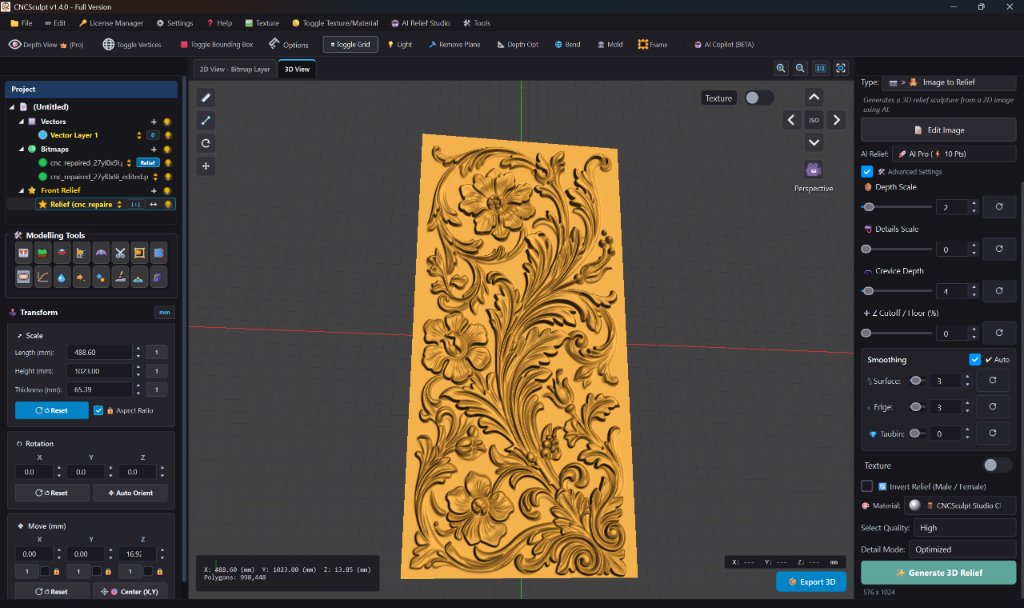 🖥️ 998,448 Polygons • Front 3D View
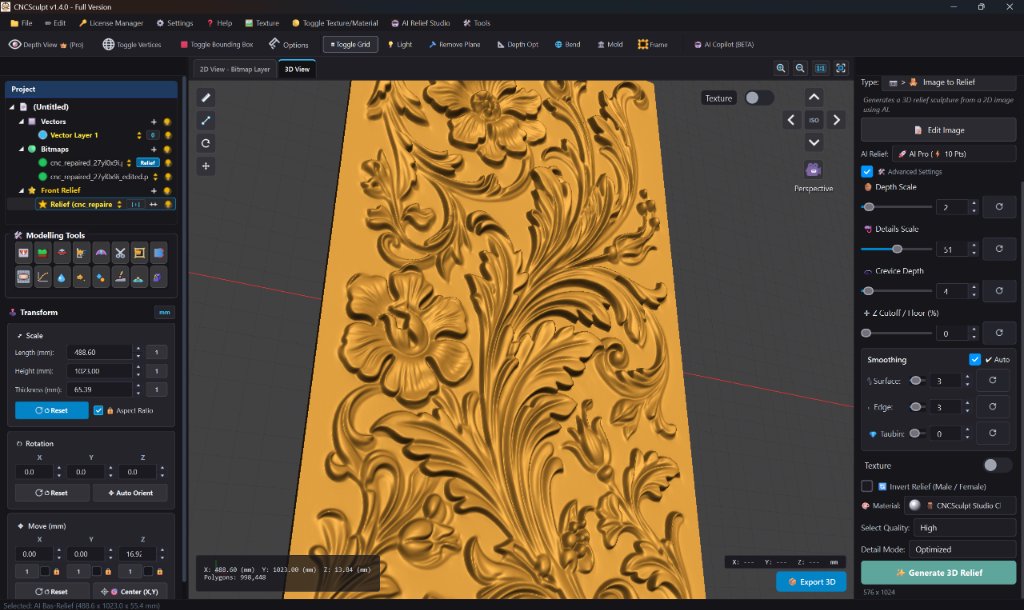 🔍 Detail Scale & Crevices (51)
 📐 Multi-Axis 3D Slab Inspection
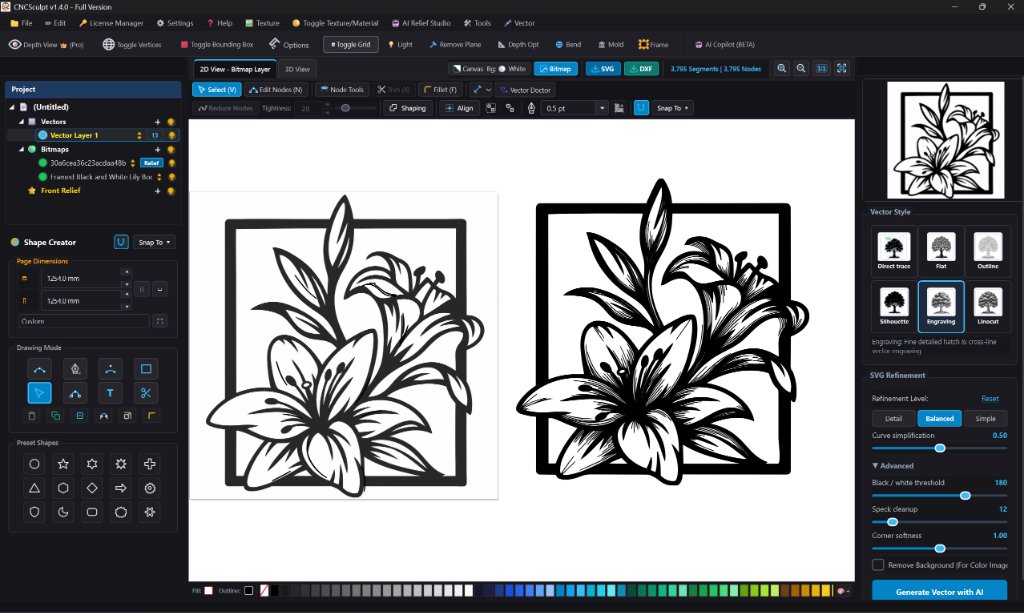 ⚡ 2D Outline to Laser Engraving • SVG / DXF
100% Compatible Models
Works with just about any design, CAM, 3D print, sculpting, game engine, or CG software




Everything You Need for Flawless Carvings
Say goodbye to flat grayscale displacement and jagged mesh artifacts. CNCSculpt gives you production-grade tools.
 65,536 Depth Levels
16-Bit Smooth Depth Engine
Generates 65,536 depth levels for buttery-smooth gradients without contour banding, stepping, or sandpaper noise on curved organic surfaces.
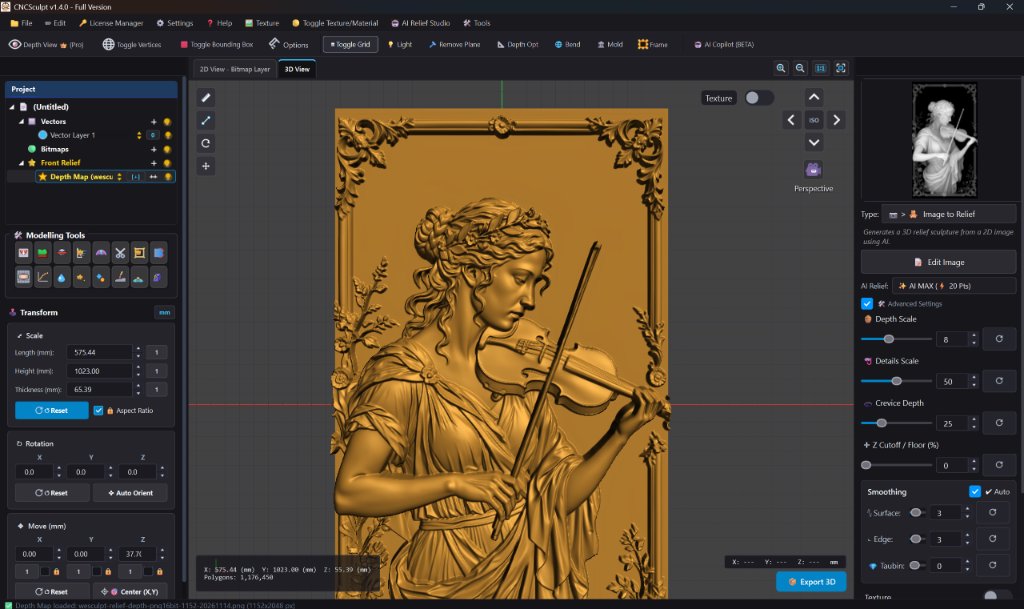 European Baroque & YangHua
YangHua Ornamental Carving
Specialized bas-relief models trained on classical European baroque, Acanthus scrolls, and architectural relief woodwork.
 3mm to 50mm Stock Control
Real-Time Depth Optimization
Independently compress peaks and lift valleys in real-time to fit your exact CNC stock thickness (from 3 mm thin coin molds to 50 mm heavy wood slabs).
 Studio Clay Shading & Texture
Studio Clay & Texture Projection
Inspect your model in CNC Sculpt Studio Clay, Gold/Brass, or Carved Wood, or project the original color photograph directly onto 3D vertices.
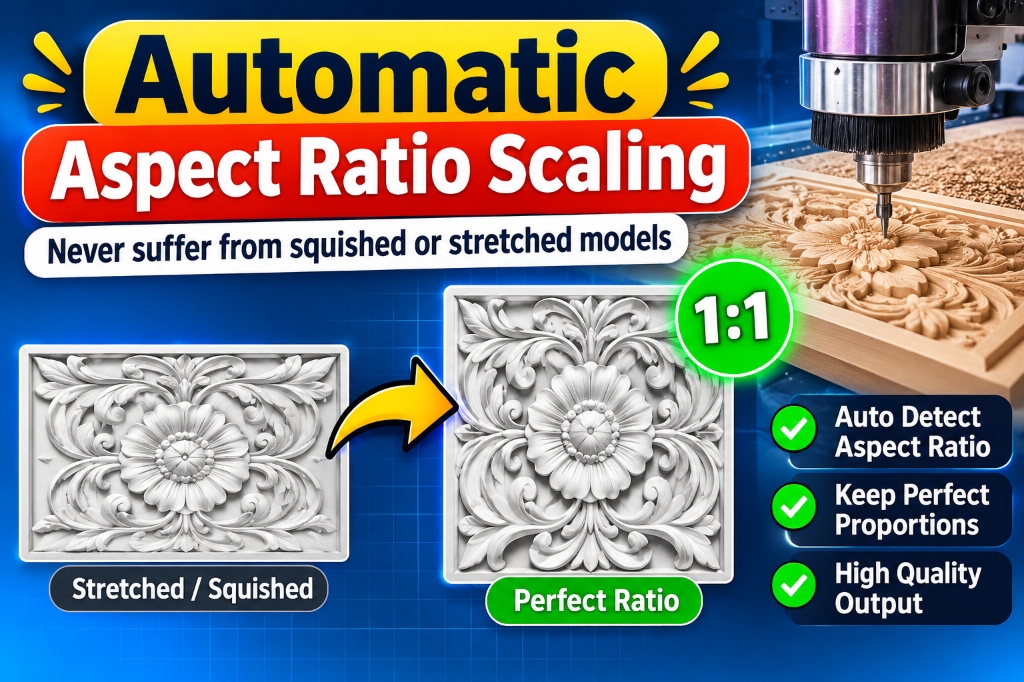 1:1 Exact Proportions
Automatic Aspect Ratio Scaling
Never suffer from squished or stretched models. CNCSculpt automatically computes exact millimetric proportions matching your source image.
 Watertight STL, SVG & DXF
Universal CAM & Laser Export
Export watertight binary STL for 3D CNC carving, plus clean SVG and DXF vectors ready to laser engrave immediately in LightBurn, ArtCAM, Vectric Aspire, or Carveco.
Trusted by CNC Woodworkers & Digital Sculptors
Real feedback from active workshops, CNC router operators, and 3D relief artists.

“The grayscale heightmap displacement produces super crisp 3D toolpaths in Vectric Aspire. It took a few tries to dial in the gradient depth for hard oak, but once dialed in, carving time was cut in half. Outstanding software.”

“Turnaround time is unmatched. Complex ornamental panels that used to take days of manual 3D sculpting now take less than 15 minutes to turn into pristine 3D relief files ready for our CNC router.”

“Works great for turning customer portraits and wildlife photos into 3D wall art plaques. Performs best on high-contrast photos, so minor photo prep helps, but the resulting depth map exports cleanly within minutes.”

“For complex marble temple carvings and jali work, CNC Sculpt saves our studio weeks of manual 3D modeling. The depth map smoothing is second to none, giving smooth toolpaths with zero tool chatter.”

“Exports clean watertight STL meshes directly into Vectric Aspire and Carveco. Very satisfied with the bas-relief quality though I wish there were even more brush controls. Solid tool for any workshop!”

“We carve intricate royal teak bed backrests and doors on a 4-axis CNC machine. CNC Sculpt handles detailed floral and elephant patterns seamlessly without breaking delicate undercuts.”

“Saharanpur wooden decorative panels need deep undercuts and clean relief elevations. This software generates ready-to-cut toolpath models faster than anything we tested before.”

“Creating cast relief dies for brass hardware used to require master clay sculptors. CNC Sculpt produces crisp relief details that cast cleanly in sand moulds with no draft issues.”

“The 32-bit heightmap displacement map feature is a dream for our 3D relief wood signs. Customers love the tactile carving depth and we deliver finished work in 2 days.”

“Produces ultra-fine micro-reliefs suitable for coin dies and commemorative metal plaques. Takes a bit of experimenting to dial in gradient slopes, but once set it is consistent.”

“Used for limestone facade panels in a luxury villa project in Emirates Hills. The client approved the 3D relief sample on the first revision without any modifications required.”

“In jewelry CAD, carving miniature pendant and coin motifs manually is painstaking. CNC Sculpt creates watertight STL meshes that 3D print cleanly on SLA wax for investment casting.”
Flexible pricing designed for creators, professionals, and production workshops.
Download free demo to test on your machine. Upgrade to commercial license to unlock unlimited watertight STL export & AI relief tools.
Hobby License
- ✔ 3D Relief Reconstruction
- ✖ Complete 3D reconstruction
- ✖ 2D Vectors Reconstruction
- ▲ Limited daily generation (Local)
- ✔ Unlimited exports
- ✖ AI Image Generator
- ✖ AI Image Upscaler
- ⚠️ Limited editing tools
- ✔ Sculpture brushes
- ✔ Custom texture support
- ✔ Included updates
- ✔ Full email support
- ✔ 50 Daily AI Points (Refilled Every Day) ?

Pro License
- ✔ 3D Relief Reconstruction
- ✔ Complete 3D reconstruction
- ✔ 2D Vectors Reconstruction
- ✔ Unlimited Local Generations
- ✔ Unlimited Exports
- ✔ AI Image Generator
- ✔ AI Image Upscaler
- ✔ Advanced editing tools
- ✔ Sculpture brushes
- ✔ Custom texture support
- ✔ Included updates
- ✔ Full email support
- ✔ 200 Daily AI Points (Refilled Every Day) ?

Pro License
- ✔ 3D Relief Reconstruction
- ✔ Complete 3D reconstruction
- ✔ 2D Vectors Reconstruction
- ✔ Unlimited Local Generations
- ✔ Unlimited Exports
- ✔ AI Image Generator
- ✔ AI Image Upscaler
- ✔ Advanced editing tools
- ✔ Sculpture brushes
- ✔ Custom texture support
- ✔ Included updates
- ✔ Full email support
- ✔ 500 Daily AI Points (Refilled Every Day) ?

Pro License
- ✔ 3D Relief Reconstruction
- ✔ Complete 3D reconstruction
- ✔ 2D Vectors Reconstruction
- ✔ Unlimited Local Generations
- ✔ Unlimited Exports
- ✔ AI Image Generator
- ✔ AI Image Upscaler
- ✔ Advanced editing tools
- ✔ Sculpture brushes
- ✔ Custom texture support
- ✔ Lifetime Free Updates
- ✔ 24/7 Priority VIP Support
- ✔ 1,000 AI Points Included (Lifetime Pool) ?
Computing Points Top-Up
After purchase, points are added automatically to your account
- ✓ Automatic instant credit to your License Key
- ✓ Works across AI Relief, 3D Models, Inpaint & Textures
- ✓ Top-up points never expire (Protected from resets)
Got Questions? We Have Answers.
CNCSculpt exports clean, watertight industry-standard STL binary files and OBJ files. These import instantly into ArtCAM (all versions), Vectric Aspire, VCarve Pro, Carveco, MeshCAM, Blender, ZBrush, and 3D printing slicers (Cura, PrusaSlicer, Bambu Studio).
CNCSculpt runs on Windows 10 and Windows 11 (64-bit). Minimum 8GB RAM (16GB recommended). It works on both standard Intel/AMD CPU setups and NVIDIA GPUs (RTX 3060/4060 or higher provides ultra-fast preview rendering).
Instantly upon purchase, an automated License Key is sent to your email. Open CNCSculpt, click “Activate License”, enter your email and key, and all export features are immediately unlocked!
Yes! You can download the Free Demo version to test all 3D relief generation features, view depth maps, and orbit models in real-time on your PC. Upgrading to a paid license unlocks watertight STL export.