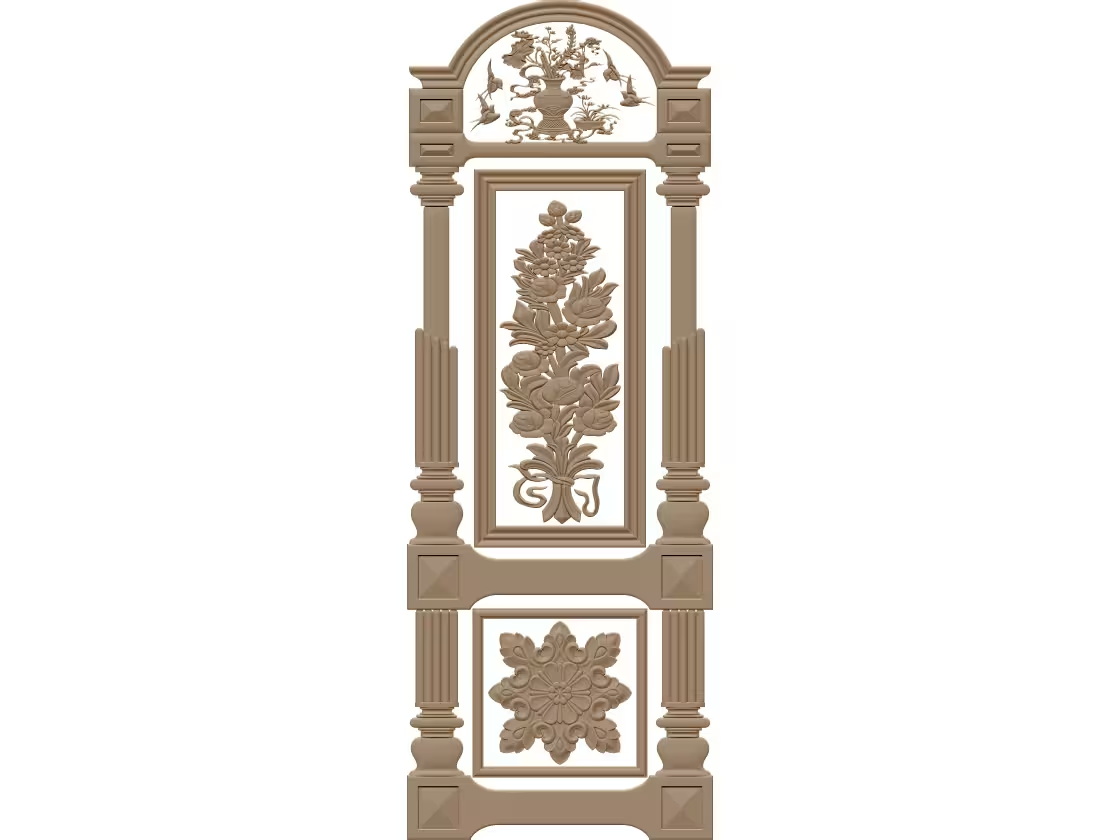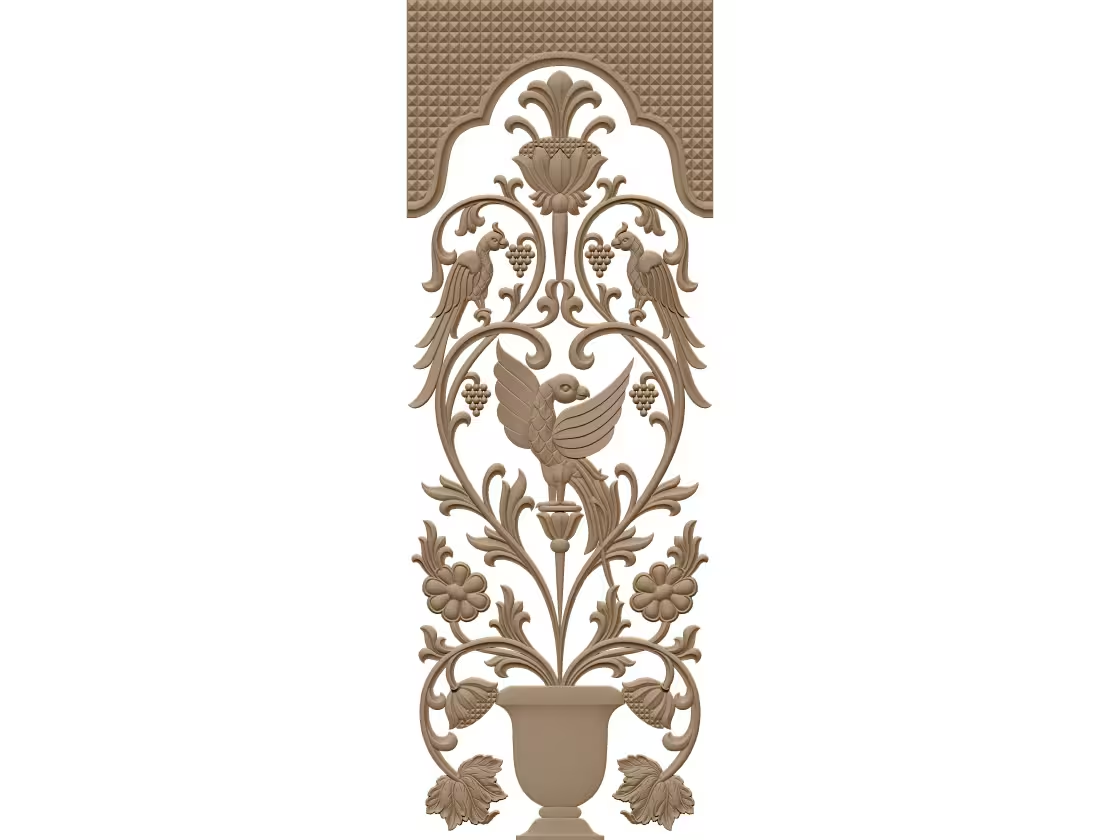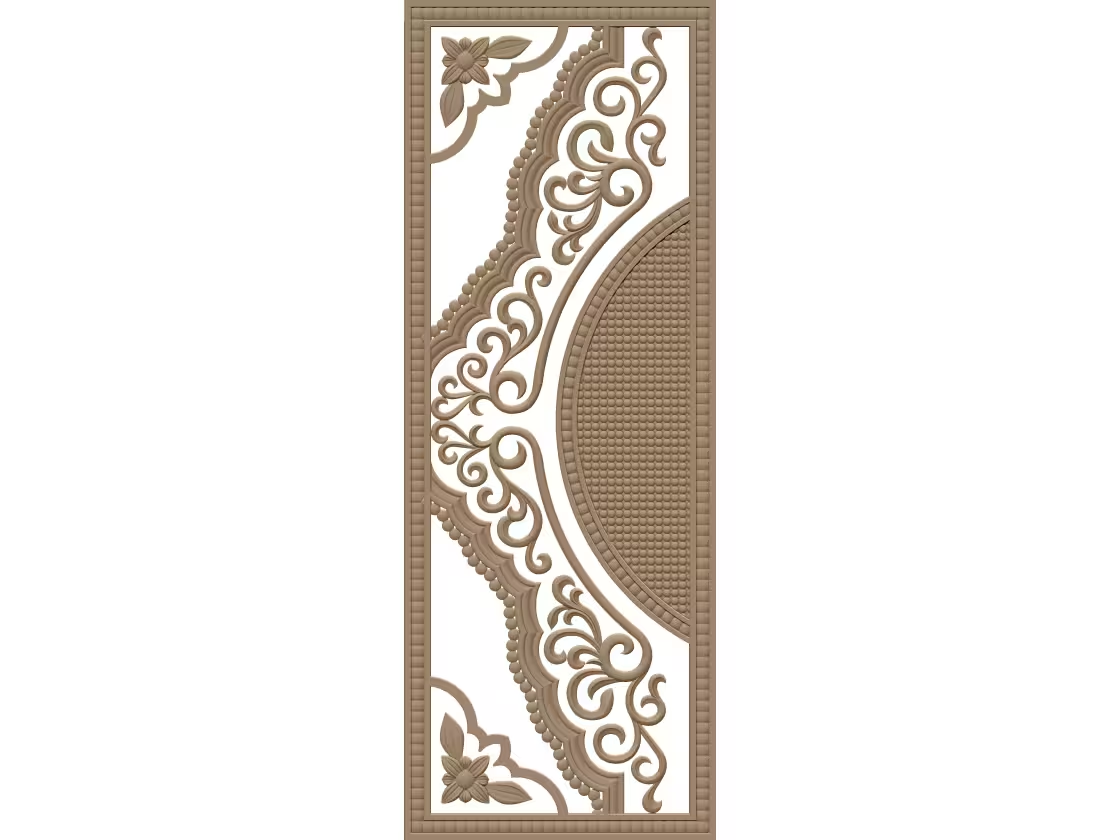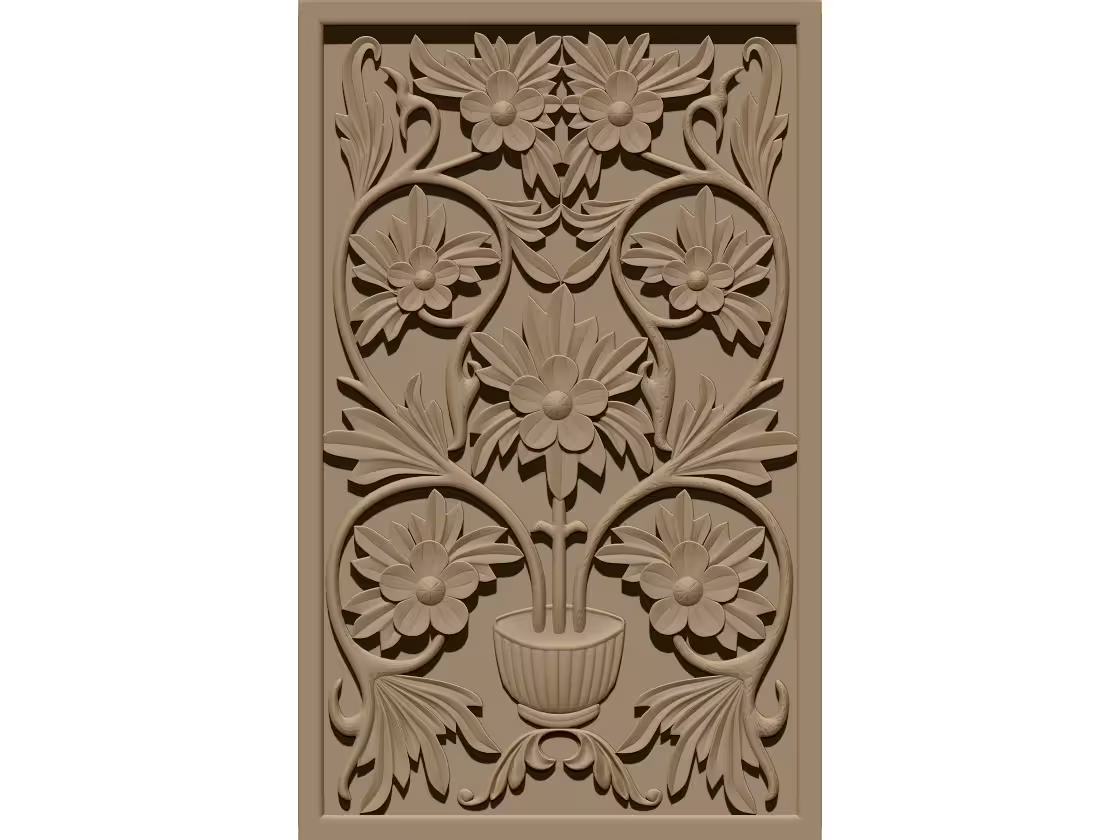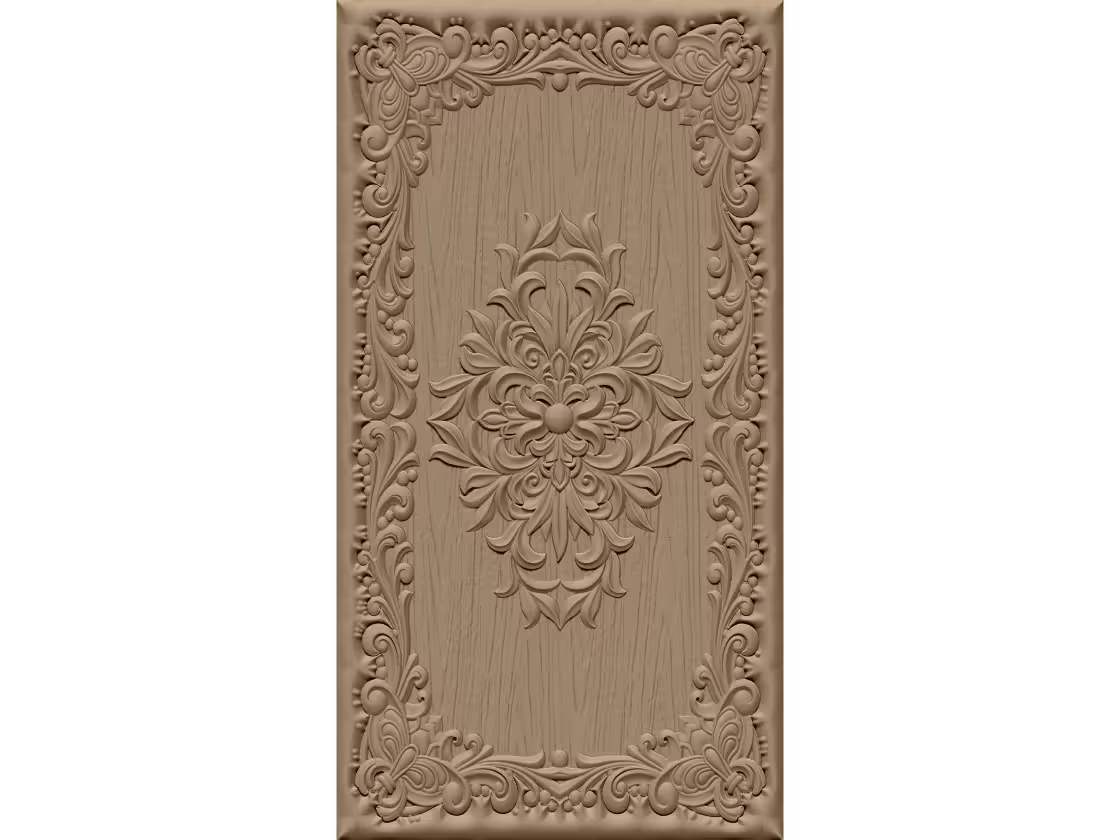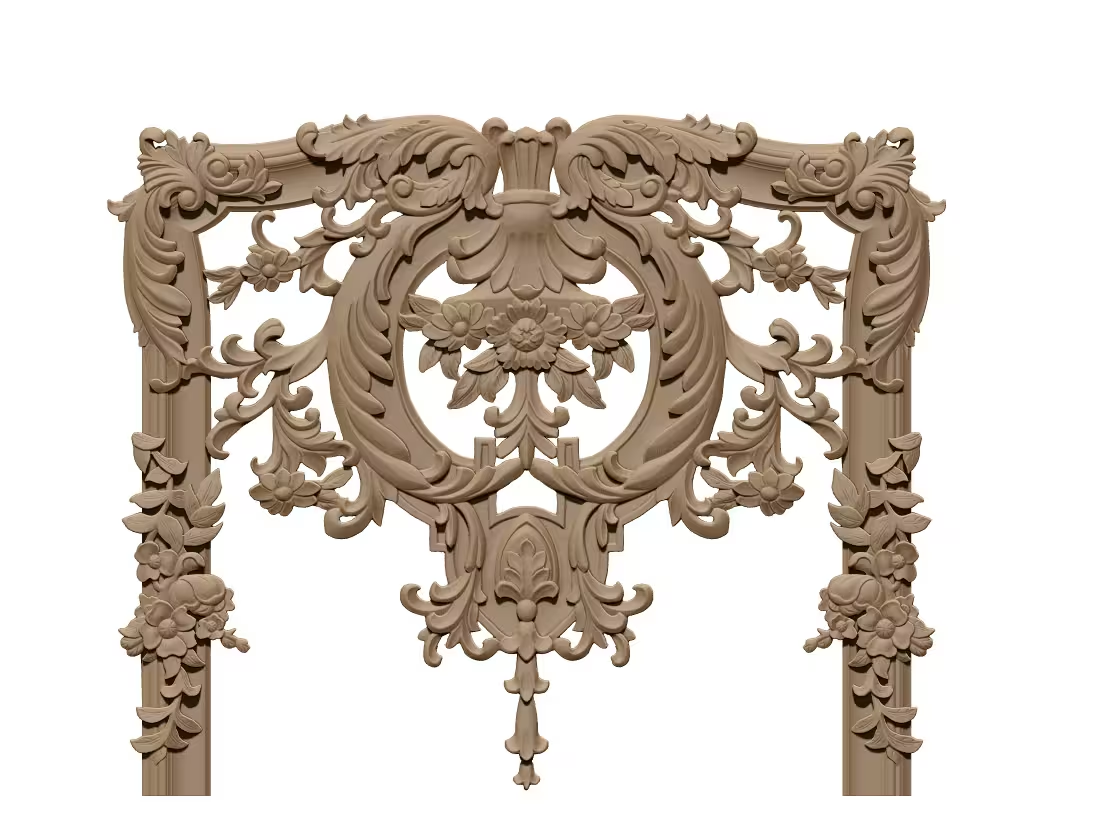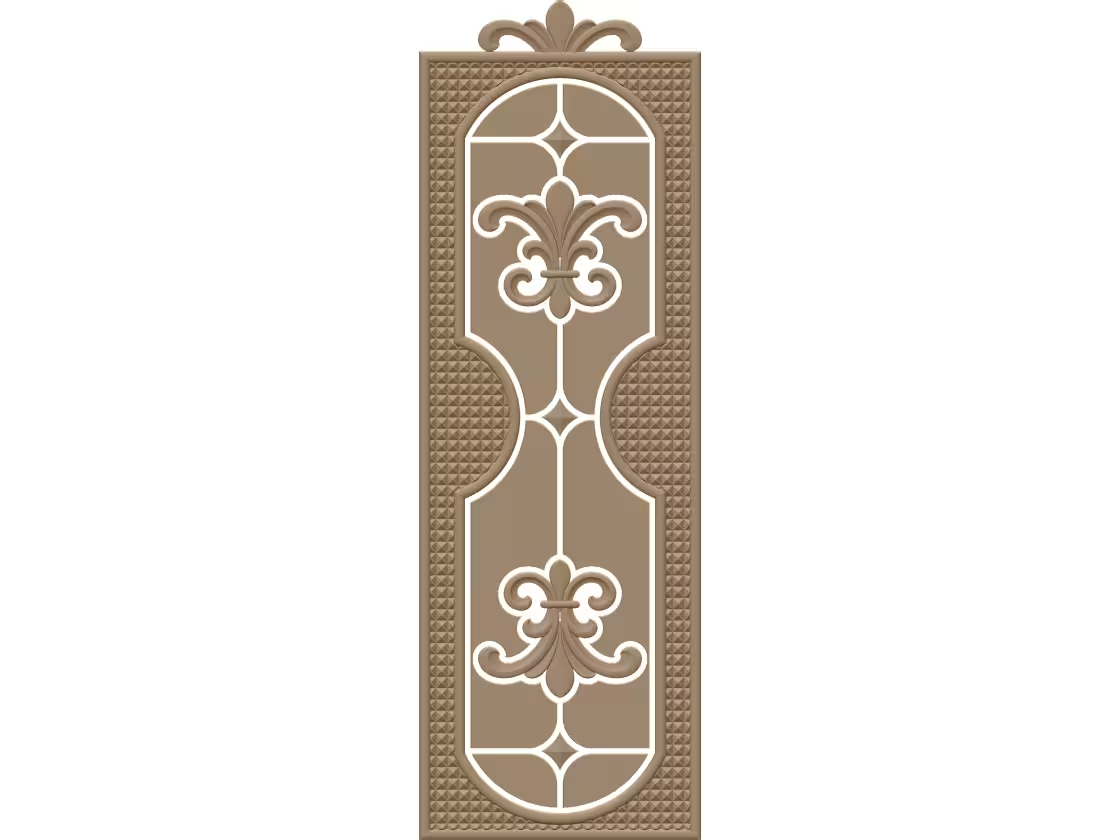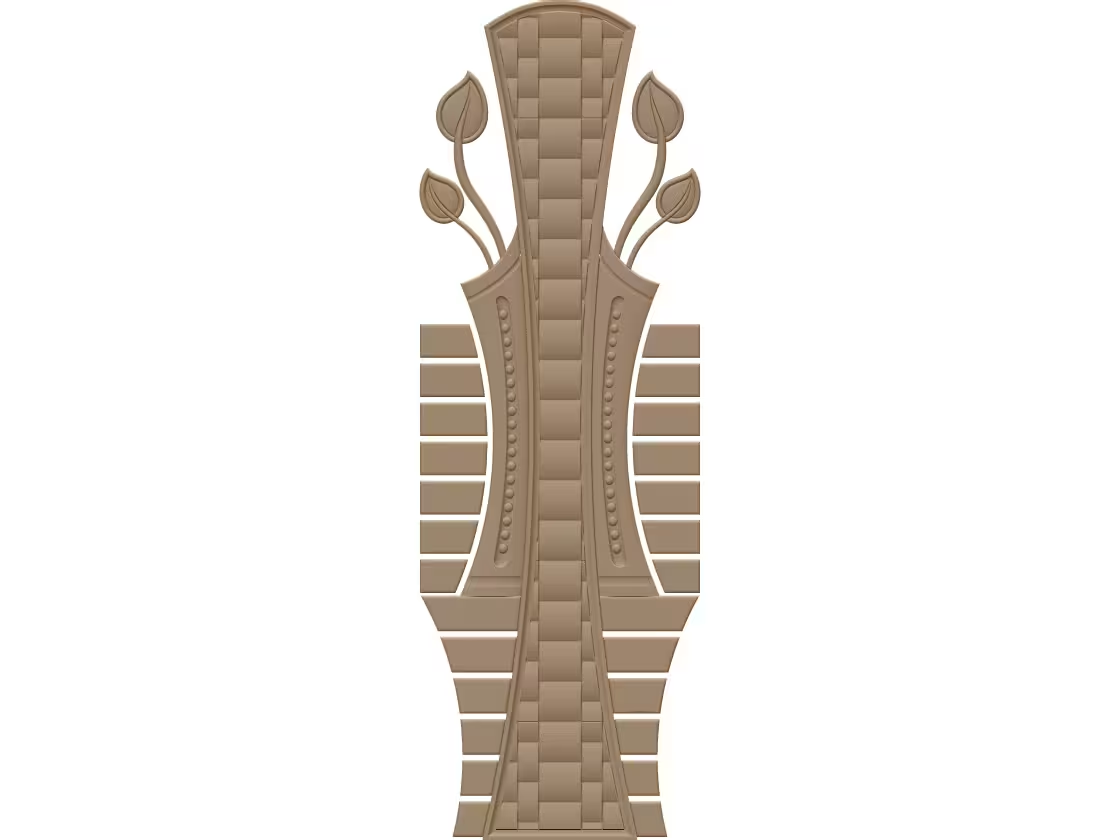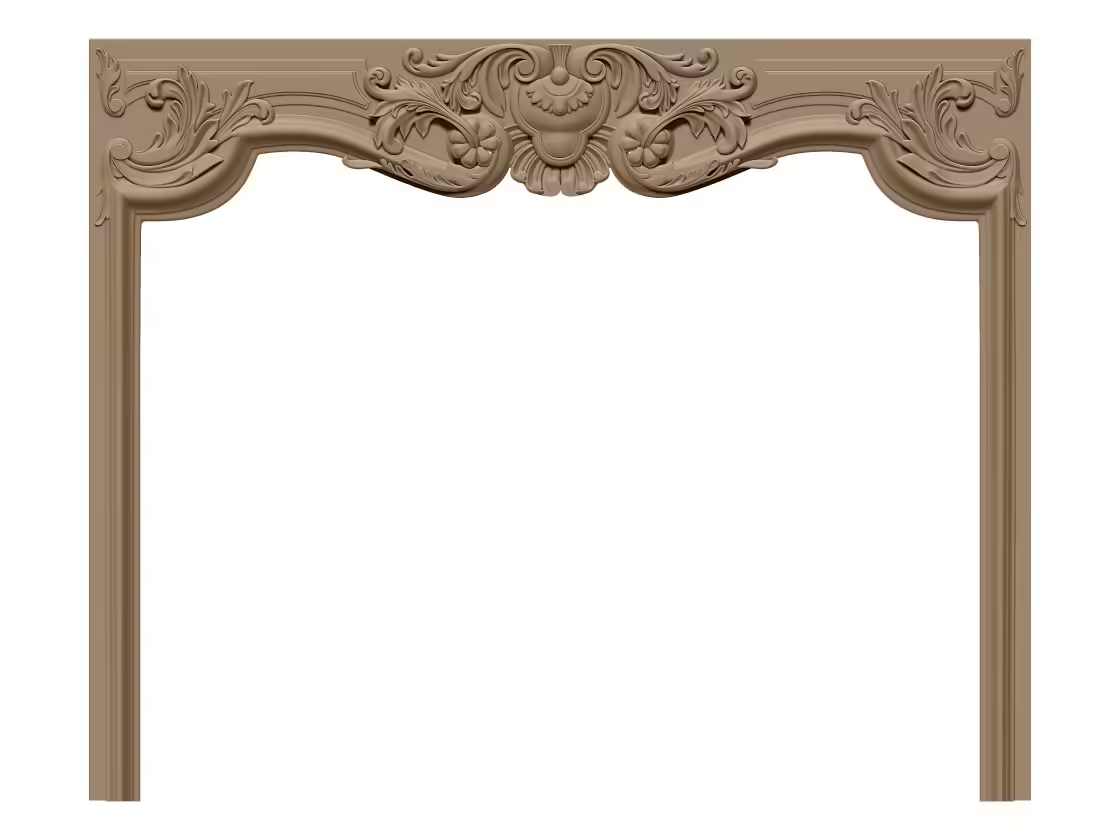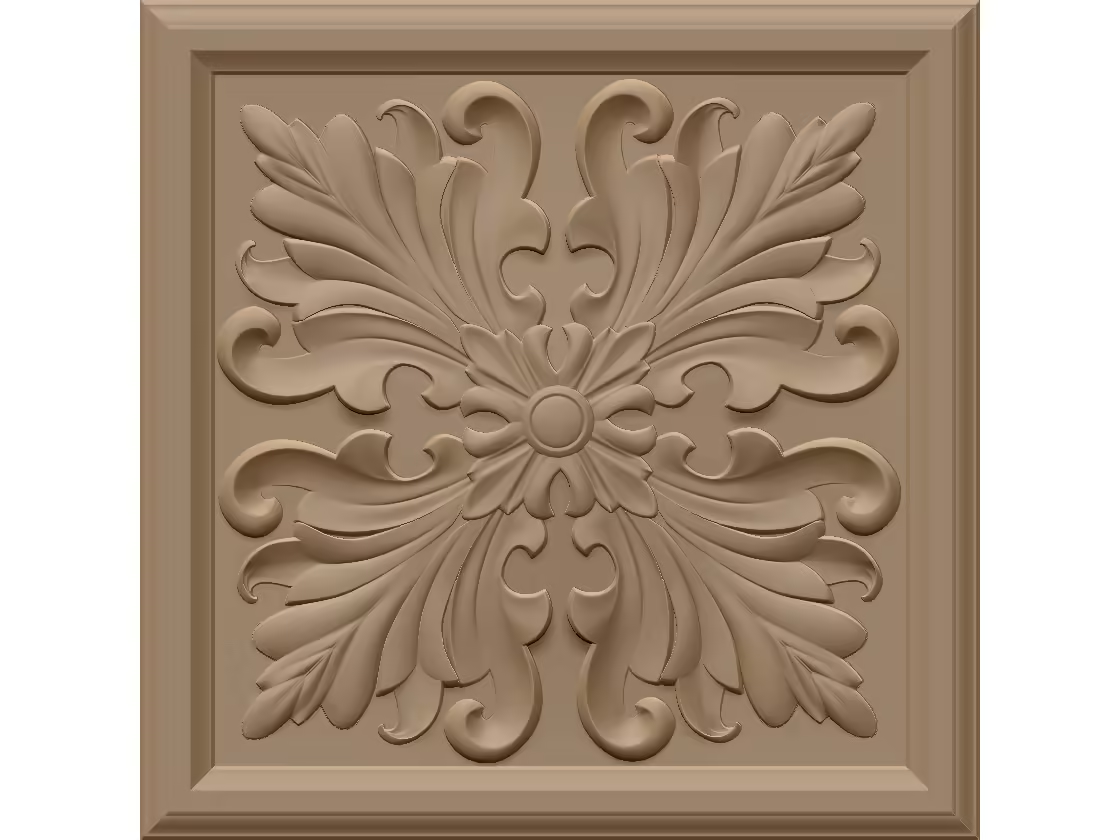
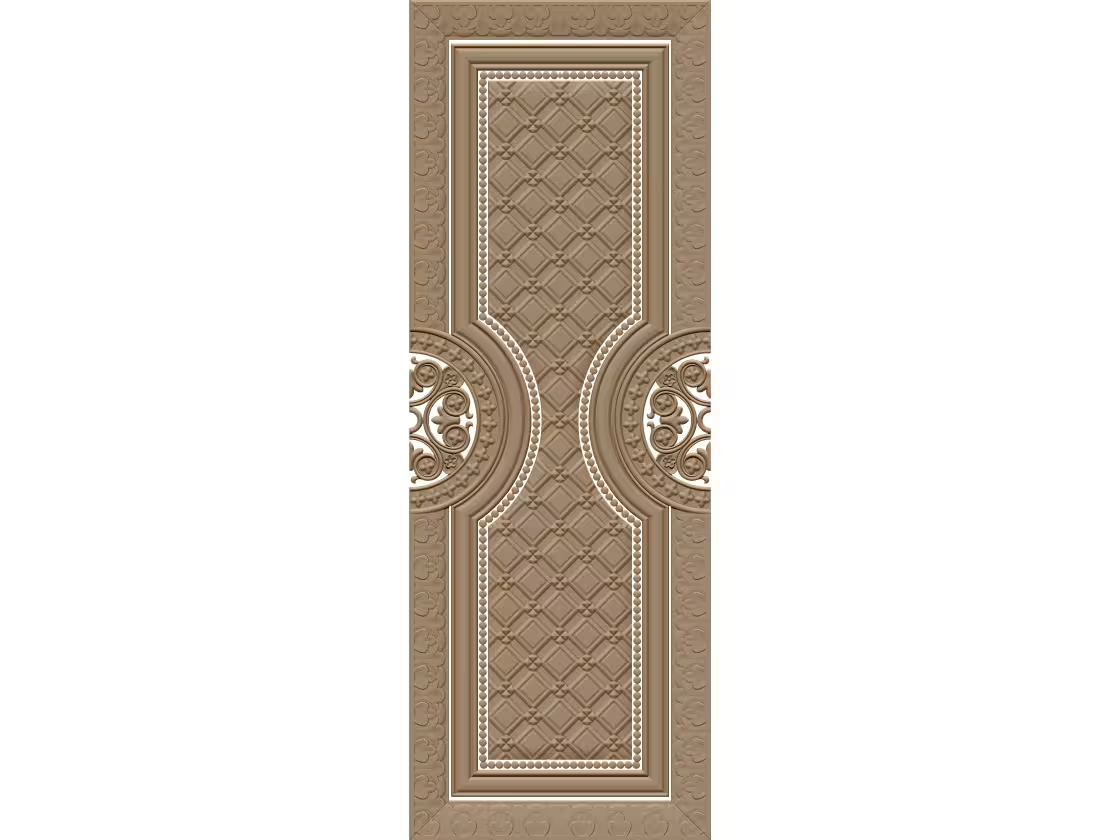
The A002695 3D door panel model is intended for CNC carving and can help makers create a decorative feature with depth and visual detail. Before using an STL file for production, review its geometry, dimensions, and suitability for your intended door. A thoughtful preparation process can reduce machining problems and help preserve the design’s finer details.
Review the Model Before Machining
STL files describe a surface as a mesh of connected triangles. Open the A002695 model in a compatible 3D viewer or CAM program and inspect it from several angles. Check for holes, inverted faces, unusually thin sections, or rough mesh areas. Confirm that the panel’s proportions suit the door, and scale the model carefully if adjustments are needed. Scaling can change relief depth as well as overall size, so verify both before proceeding.
Choose Suitable Material and Tooling
Wood is a common choice for carved door panels, although the appropriate species depends on the desired appearance, finish, and working conditions. Softer woods may machine quickly but can show dents, while harder species may retain crisp details and require more careful cutting parameters. Select cutters that fit the design’s smallest features. A larger roughing bit can remove material efficiently; a smaller finishing bit may reveal contours and decorative transitions.
Prepare a Reliable Toolpath
In CAM software, set the stock dimensions, work origin, and safe clearance with care. Consider a roughing pass followed by a finishing pass, and use a test cut or simulation to identify collisions and missed areas. Secure the workpiece firmly, particularly when carving a large panel. Follow the machine and tool manufacturers’ safety guidance, and keep dust extraction appropriate for the material being cut.
Finish for a Consistent Result
After machining, remove tabs or excess material and sand gradually without flattening the carved relief. Apply a compatible sealer or finish only after removing dust and testing the product on a sample. With careful inspection, tool selection, and finishing, the A002695 design can become a refined decorative element for a custom door project.
Thank You for Being Here
We’re so happy you stopped by! We hope you enjoy your experience and discover the perfect CNC design files for your projects. If you ever need assistance, don’t hesitate to reach out. We’re always glad to help.
Wishing you happy carving, smooth projects, and endless creativity! ✨😊

CNC File & Carving Specifications
Verified Cut-Ready- Included File Types: Production-Grade 3D Relief STL & OBJ model for wood carving
- Software Compatibility: Vectric Aspire, LightBurn (for vector outlines), ArtCAM, CorelDRAW, Fusion 360
- Recommended Bits: Roughing: 6mm or 8mm Flat End Mill | Finishing: 3.175mm (1/8") or 4mm Tapered Ball Nose (R0.5 / R1.0)
- Suitable Substrates: Solid Hardwood, Pine, MDF, HDF, and High-Density PU Board for doors
- Supported Equipment: 3-Axis CNC Wood Carving Machine, Multi-Spindle Router, CAM Milling Bed
- Mesh Integrity: Watertight polygon mesh, ready for instantaneous toolpath generation with zero manifold errors