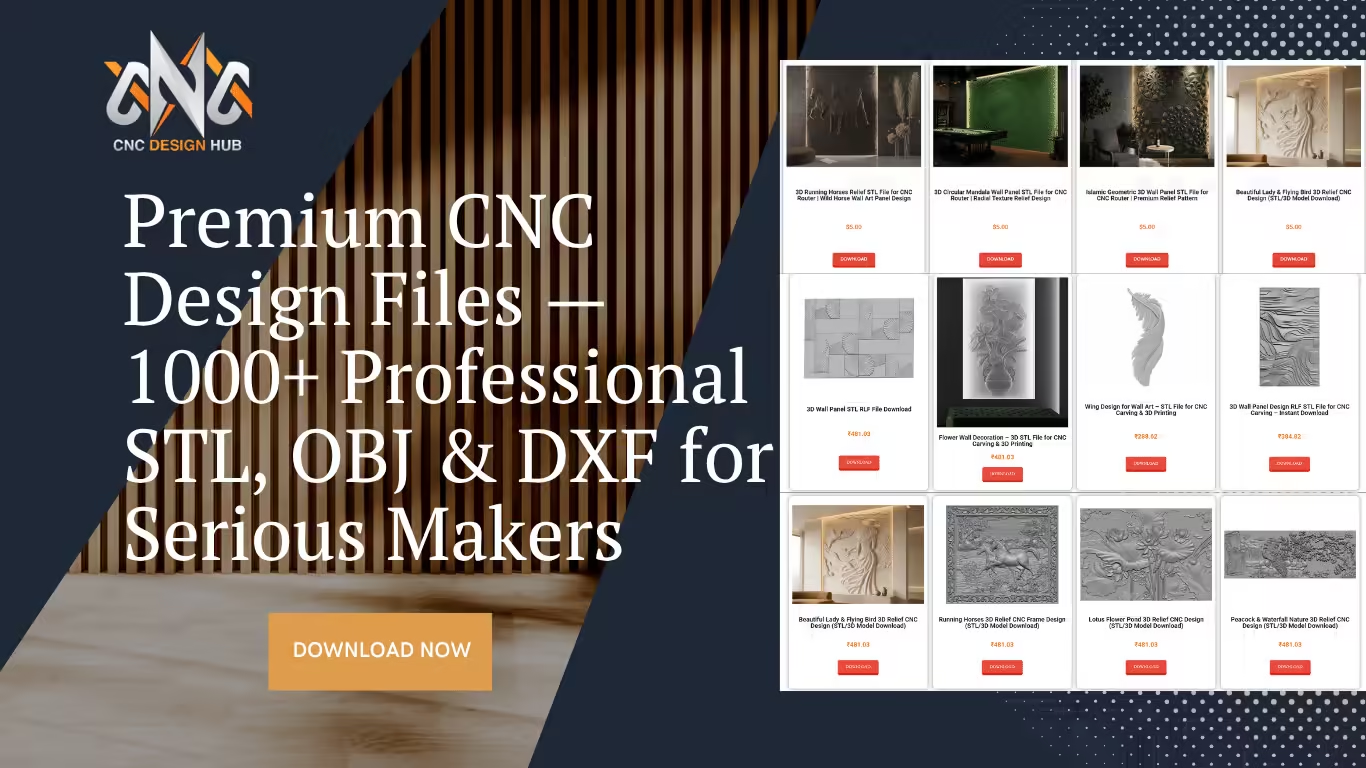
Premium CNC Design Files — 1000+ Professional STL, OBJ & DXF for Serious Makers

Premium CNC Design Files — 1000+ Professional STL, OBJ & DXF for Serious Makers

Premium CNC design files at CNC Design Hub — what they are, what you get, and how to buy

Premium

Go beyond the basics. Discover why hundreds of CNC professionals and woodworkers choose CNC Design Hub’s premium CNC design files for their most demanding projects.

CNC Design Hub Team 6 min read cncdesignhub.com/shop
Premium CNC Design Files — Professional Grade STL OBJ DXF at CNC Design Hub

If you are a woodworker, furniture maker, or CNC enthusiast looking for premium CNC design files that deliver professional-grade results, you are in the right place. CNC Design Hub has always been about making great design accessible — offering hundreds of free STL and DXF files for makers around the world. But for those who need more — more resolution, more complexity, and commercial-ready quality — there is the Premium Shop.

This article explains exactly what makes these premium CNC design files worth the investment, what categories are available, and how to buy and download them in just a few clicks.

What are premium CNC design files?

Premium CNC design files are professionally crafted, high-resolution 3D model and vector files built specifically for CNC routers, carving machines, and laser cutters. Unlike basic free files, premium designs are made with greater geometric detail, cleaner mesh topology, and optimized depth maps — meaning they carve out sharper, more impressive results on wood, MDF, acrylic, and foam. Tools like Vectric Aspire and Carveco are ideal for working with these files.

At CNC Design Hub, premium CNC design files are available in formats including STL (for 3D relief carving), OBJ and FBX (for 3D modelling and rendering software), and DXF / SVG (for 2D profile and laser cutting). Many premium packs are also bundled — giving you dozens of related designs in a single purchase at a fraction of the individual cost.

Free vs. Premium — what’s the difference?

Both free and premium files come from the same design team, but they serve different needs. Here is a clear comparison:

Free files
Great for personal projects
Standard resolution models
STL and DXF formats
No account needed
Personal use only
Single file per download
Limited complex designs
Premium files
Commercial use ready
High-resolution, fine detail
STL, OBJ, FBX formats
Instant digital download
Sell products you make
Bundle packs available
Complex, intricate designs
Bottom line: If you are making something for your home workshop, free files are a fantastic choice. If you run a furniture business, interior fit-out company, or sell handcrafted CNC pieces — premium CNC design files give you the quality and commercial licence you need.

What’s available in the premium shop

The premium shop is organized into focused categories, making it easy to find exactly the premium CNC design files your project calls for:

Here is a selection of standout premium CNC design files currently available in the shop — ranging from individual pieces to massive bundles:

Best value: The 117 Wall Panel Bundle gives you over 117 models for the price of just a few individual files. If you work on interior fit-out or furniture regularly, it is by far the most cost-effective option in the shop.

How to purchase and download a premium file

Buying premium CNC design files is quick and straightforward — no complicated sign-up or waiting period. Here is how it works:

  • 1
    Go to cncdesignhub.com/shop and browse or search for a design you need. You can filter by category — 3D Designs, ArtCAM Relief, 2D Designs, Islamic, or Jali.
  • 2
    Click on the product to open its page. Review the preview images, file format, and description to confirm it suits your project and machine.
  • 3
    Click Download or Add to Cart. The shop accepts payments in both INR (₹) and USD ($) — switch currency using the selector at the top of the shop page.
  • 4
    Complete checkout. You can create an account or check out as a guest. Once payment is confirmed, your file is available for immediate digital download.
  • 5
    Download your file and import it into your CAM software — Vectric Aspire, Fusion 360, ArtCAM, or Carveco — to generate toolpaths and start machining.
Account tip: Creating a free account at cncdesignhub.com/my-account lets you access your purchase history and re-download any file you have bought at any time — no expiry.

Who are premium files for?

Furniture makers & workshops
Use premium CNC design files for bed headboards, doors, and panels directly in production. Commercial licence included.
Interior designers
Source wall panels, ceiling roses, and decorative elements as ready-to-machine OBJ files for client projects.
3D artists & visualizers
OBJ and FBX formats load directly into Blender, 3ds Max, and Cinema 4D for renders and walkthroughs.
Serious hobbyists
When you want your next carving project to stand out, premium files deliver the detail that standard files can’t match.

Frequently asked questions

Can I sell items I make using premium files?

Yes. Premium CNC design files include a commercial licence, meaning you can sell physical products made from the designs. You may not resell the digital files themselves. Check the Terms and Conditions for full details.

What software do I need to use these files?

STL and OBJ files work in Vectric Aspire, ArtCAM, Carveco, Fusion 360, and Blender. FBX files are ideal for Autodesk products and game engines. DXF and SVG files open in any vector CAD or laser software such as LightBurn.

Are there refunds if a file doesn’t work on my machine?

Due to the digital nature of the products, all sales are subject to the site’s Refund and Returns Policy. It is recommended to review the file format and preview carefully before purchasing.

Can I pay in US dollars?

Yes. The shop supports both INR and USD. Use the currency switcher at the top of the shop page to toggle between them before checkout.

How are files delivered?

All premium CNC design files are digital downloads — there is no physical shipping. After payment you receive an immediate download link, and the file is permanently saved to your account for re-download any time.

Ready to upgrade your projects?
Browse the full collection of premium CNC design files — from individual designs at ₹167 to massive bundles of 100+ models. Every file is machining-ready and available for instant download.
Browse the Premium Shop →
Also looking for free files? Return to the free downloads library →

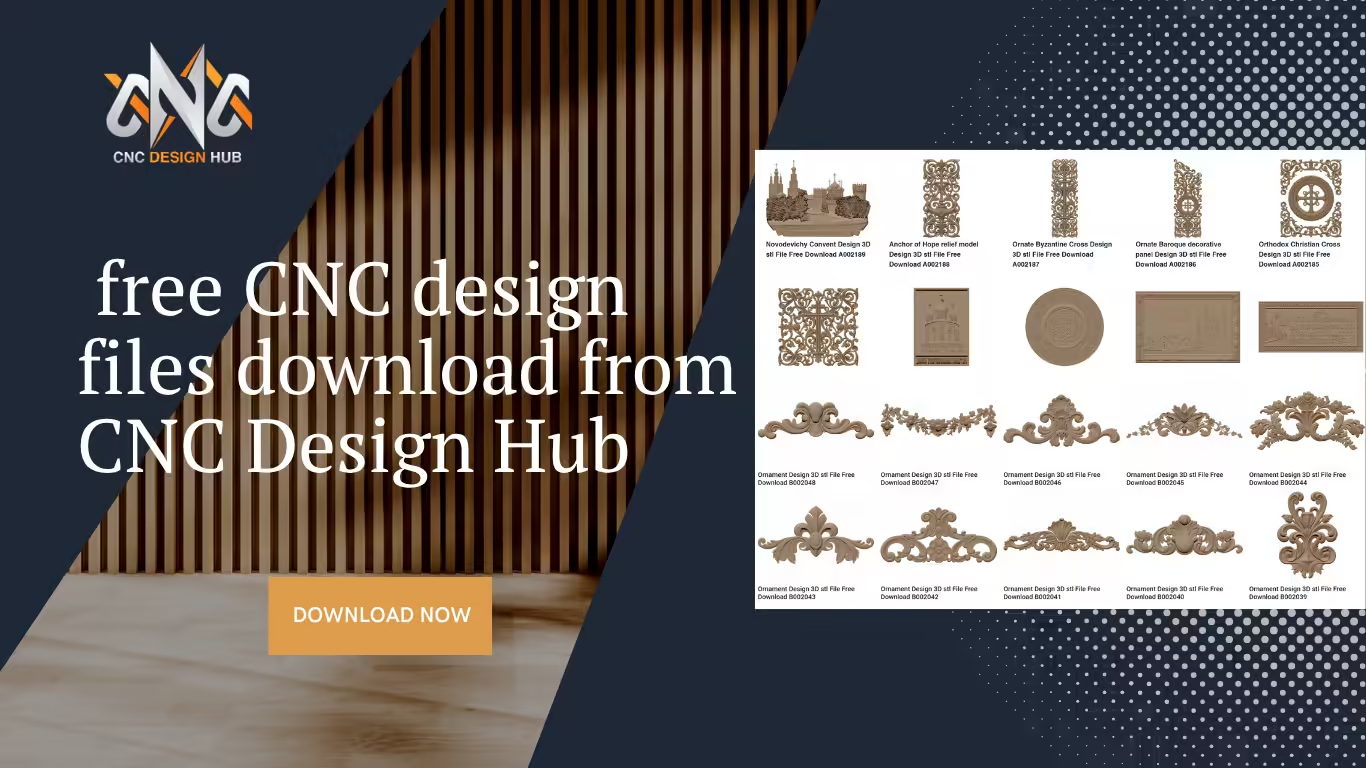
free CNC design files download from CNC Design Hub

How to Download Free CNC Design Files from CNC Design Hub

Downloading free CNC design files has never been easier. CNC Design Hub provides high-quality STL, DXF, and SVG files that you can use for wood carving, MDF projects, and more…

How to Download Free CNC Design Files?

How to download free CNC files from CNC Design Hub — a step-by-step guide

Tutorial

A complete, beginner-friendly walkthrough for finding and downloading professional STL, DXF, and SVG files — completely free.

CNC Design Hub Team 5 min read Free downloads

If you are looking for free CNC design files, you have come to the right place. CNC Design Hub (cncdesignhub.com) offers a wide collection of high-quality STL, DXF, and SVG files that you can download for free and use in your CNC woodworking, MDF, and acrylic projects. Whether you are a woodworker, furniture maker, or CNC enthusiast, this guide walks you through exactly how to find, download, and start using these files in just a few minutes — no subscription or login required.

What file formats are available?

CNC Design Hub provides free CNC design files in three industry-standard formats, compatible with virtually all CNC routers, laser cutters, and carving machines:

.STL
3D stereolithography files for CNC routers and 3D carving. Ideal for relief carving and 3D machining projects.
.DXF
2D vector drawing files. Perfect for plasma cutters, laser engravers, and profile cutting on CNC routers.
.SVG
Scalable vector graphics for laser cutting and engraving. Opens directly in Inkscape, Illustrator, and LightBurn.
Step 01

Browse the design categories

Head to cncdesignhub.com and use the navigation menu at the top of the page. The site is organized into clear, easy-to-find categories so you can quickly zero in on what you need. Here is a quick overview of what is available:

You can also use the search bar at the top of the page to look for a specific design by keyword — for example, “ornament”, “table legs”, or “4-axis”.

Tip: If you need 2D vector files for laser cutting specifically, check the 2D Vector CNC Laser section, which links to the sister site freevectorhub.com.
Step 02

Open a design page

Click on any design thumbnail that catches your eye. Each design has its own dedicated page where you can see a preview image of the 3D model, the file name and reference code (for example, B002048), and the file format included with the download.

Take a moment to review the preview carefully. The preview image shows you exactly what the carved or machined piece will look like, helping you confirm it is the right design before you download.

Tip: Each design is tagged with a unique reference code. If you are browsing on a phone and want to find the same file again on your desktop later, just note the code and search for it.
Step 03

Download your file

Once you are on the design page, scroll down to find the Download button. For free files, no account or payment is required — simply click the button and your file will begin downloading immediately to your device.

The file typically arrives as a .zip archive or a direct .stl / .dxf file. If it is a zip file, extract it using your operating system’s built-in tool (right-click → Extract All on Windows; double-click on Mac) before importing it into your CNC software.

For premium designs: CNC Design Hub also offers a premium shop for high-resolution, commercial-use files. These can be found under the Premium / Shop section and require a one-time purchase. Free files are clearly marked and always available at no cost.

One of the best things about CNC Design Hub is that all the free CNC design files available here are compatible with popular software like Artcam, Aspire, and Cut3D. Whether you are a beginner or a professional, you can easily find the right design for your project and start carving right away.

Step 04

Use the file in your CNC software

Once downloaded, import your file into your preferred CNC CAM software to generate toolpaths. Here is which software works best with each format:

.STL files
Works great in Vectric Aspire, ArtCAM, Fusion 360, and Carveco for 3D relief carving toolpaths.
.DXF files
Import into Vectric VCarve, Fusion 360, AutoCAD, or any CAD/CAM program for 2D profile and pocket cuts.
.SVG files
Open in LightBurn for laser machines, or import directly into Vectric products and Inkscape for further editing.

Set your material thickness, select the appropriate bit (a ball-nose bit for 3D STL files; a flat end mill or V-bit for 2D DXF files), and generate your toolpath as you normally would.

Tips for getting the most out of your downloads

Scale to your material size. All free CNC design files on CNC Design Hub are created at a standard reference size, but you can freely scale them up or down in your CAM software to fit your workpiece. Always check the dimensions before cutting.

Test on scrap first. Before running a full project on expensive hardwood or MDF, do a test run on a cheap piece of pine or foam. This confirms your toolpaths and feed rates are correct.

Keep a local library. As you download more designs, organize them into folders by category on your computer. CNC Design Hub adds new files regularly, so it is worth bookmarking the site and checking back often.

Check back for new uploads. The team at CNC Design Hub regularly publishes new designs across all categories. Bookmark the site and visit often — the library grows every week.

Personal use vs. commercial use: Free downloads from CNC Design Hub are intended for personal and workshop use. If you plan to sell products made from the files commercially, consider the premium licenses available in the shop to stay on the right side of the terms of use.

Ready to start creating?

We hope this guide helped you understand how to download free CNC design files from CNC Design Hub. All files are available in STL and DXF formats and are completely free to download. Visit our website regularly as we keep adding new designs every week. If you face any issues while downloading, feel free to contact us and we will resolve your problem as soon as possible.

Browse Free Designs →