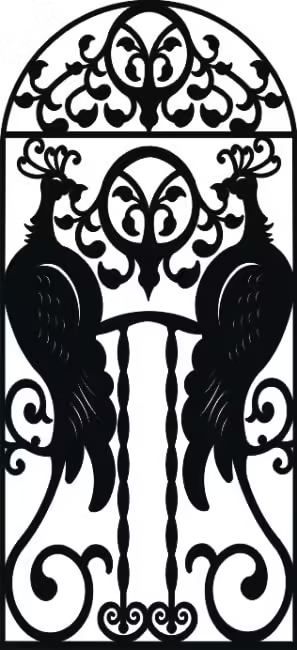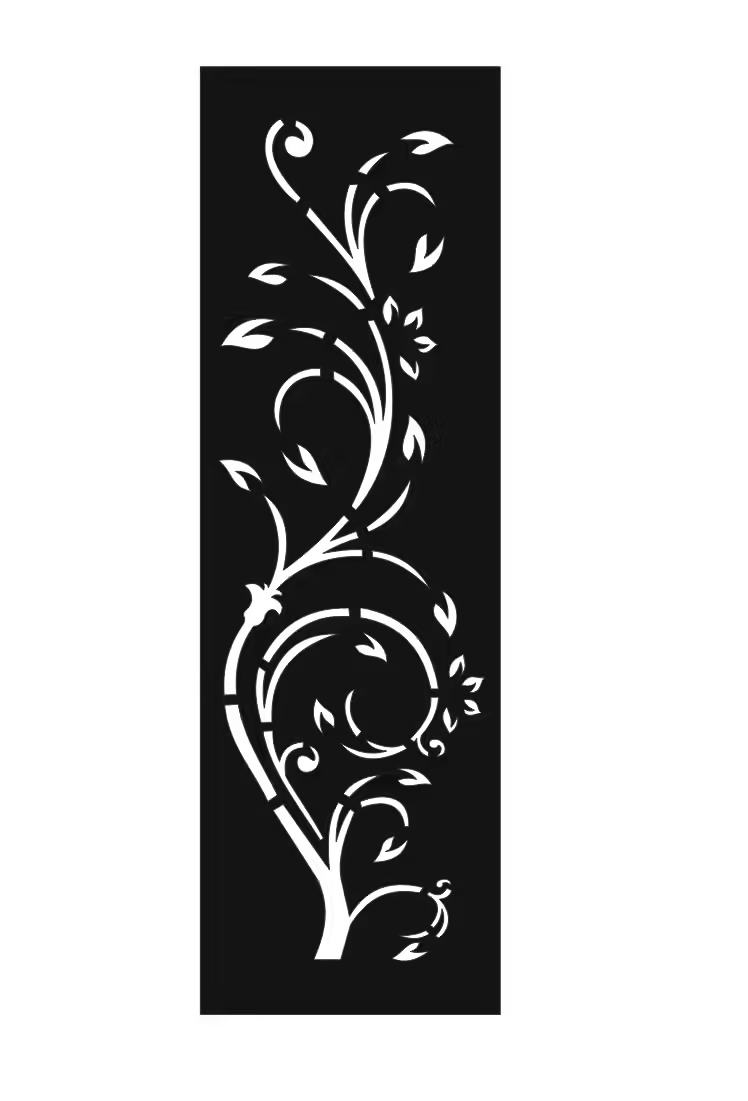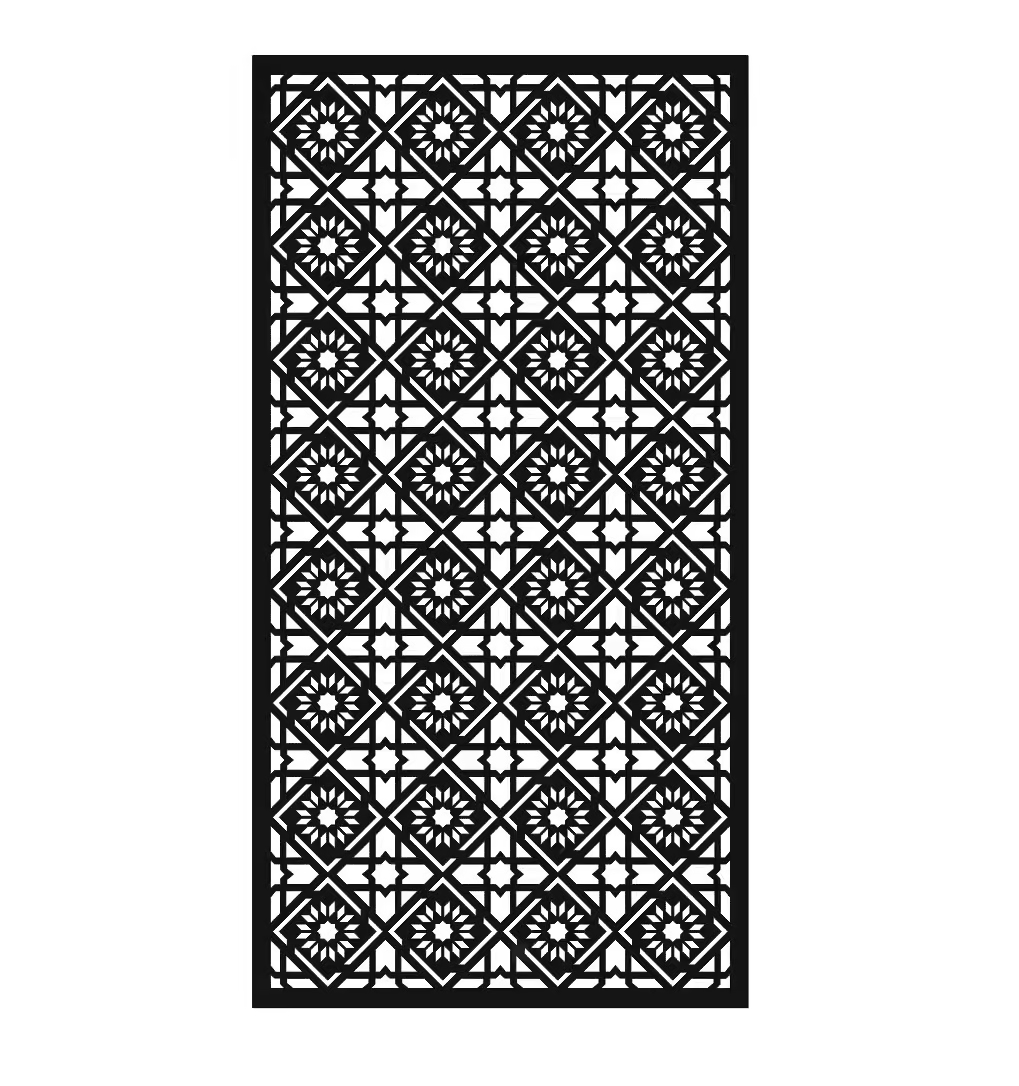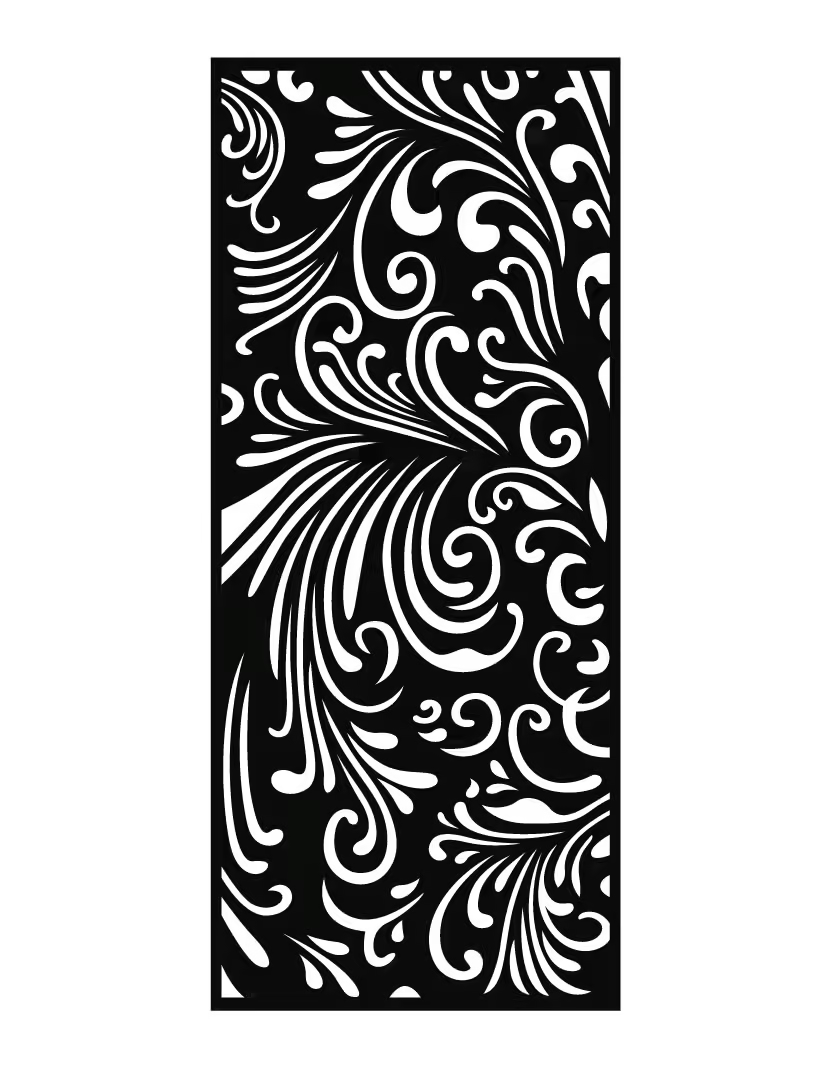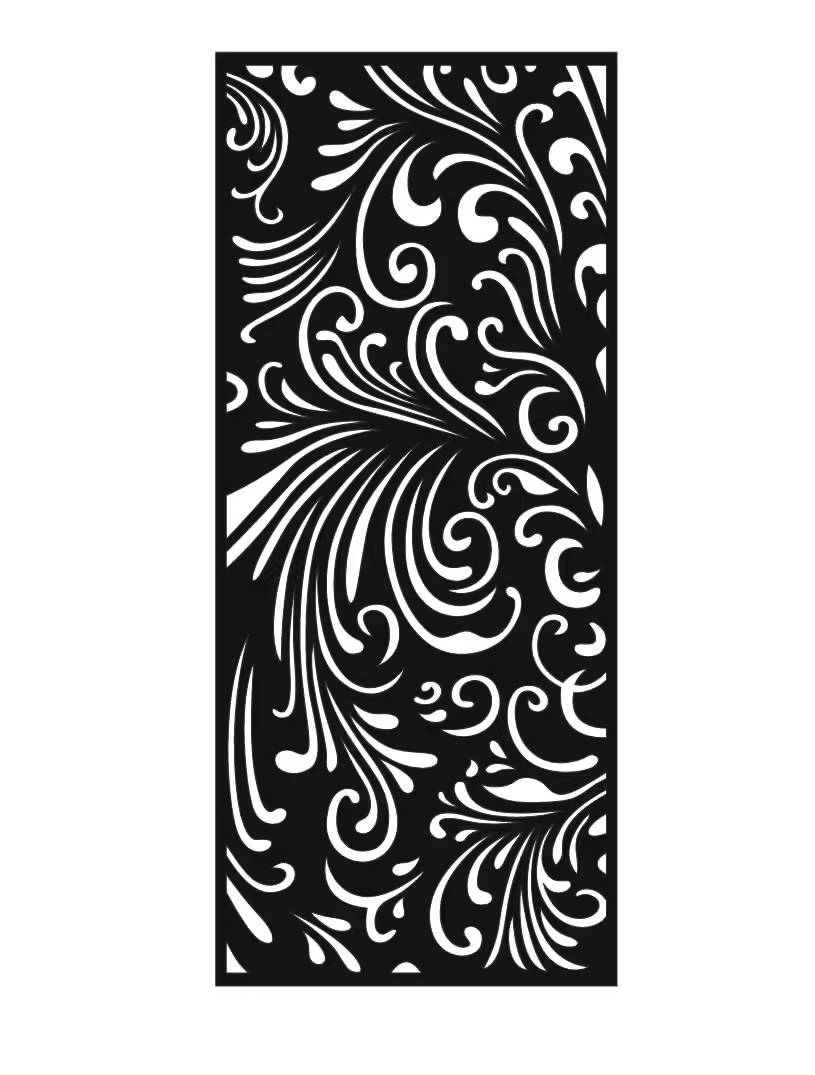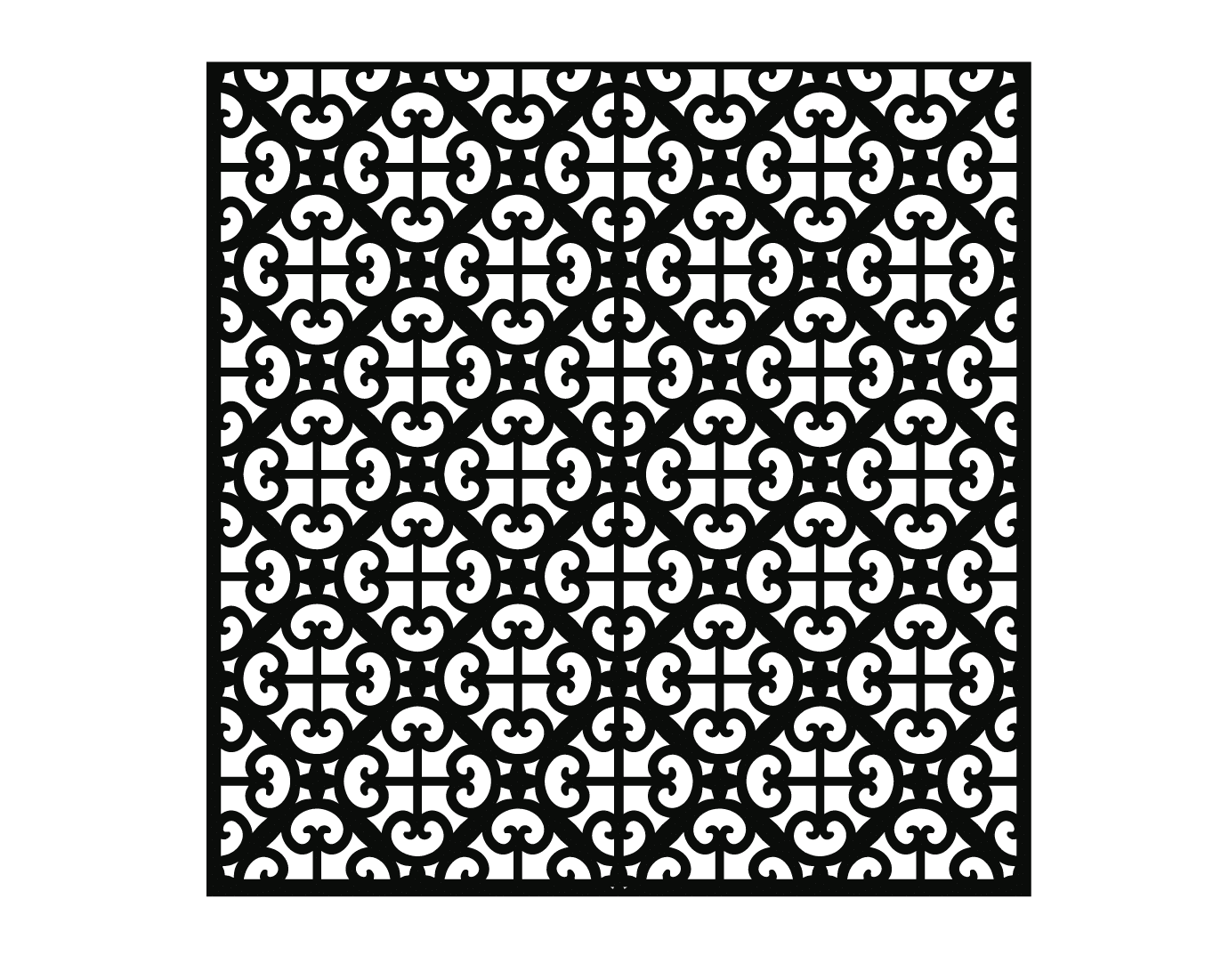
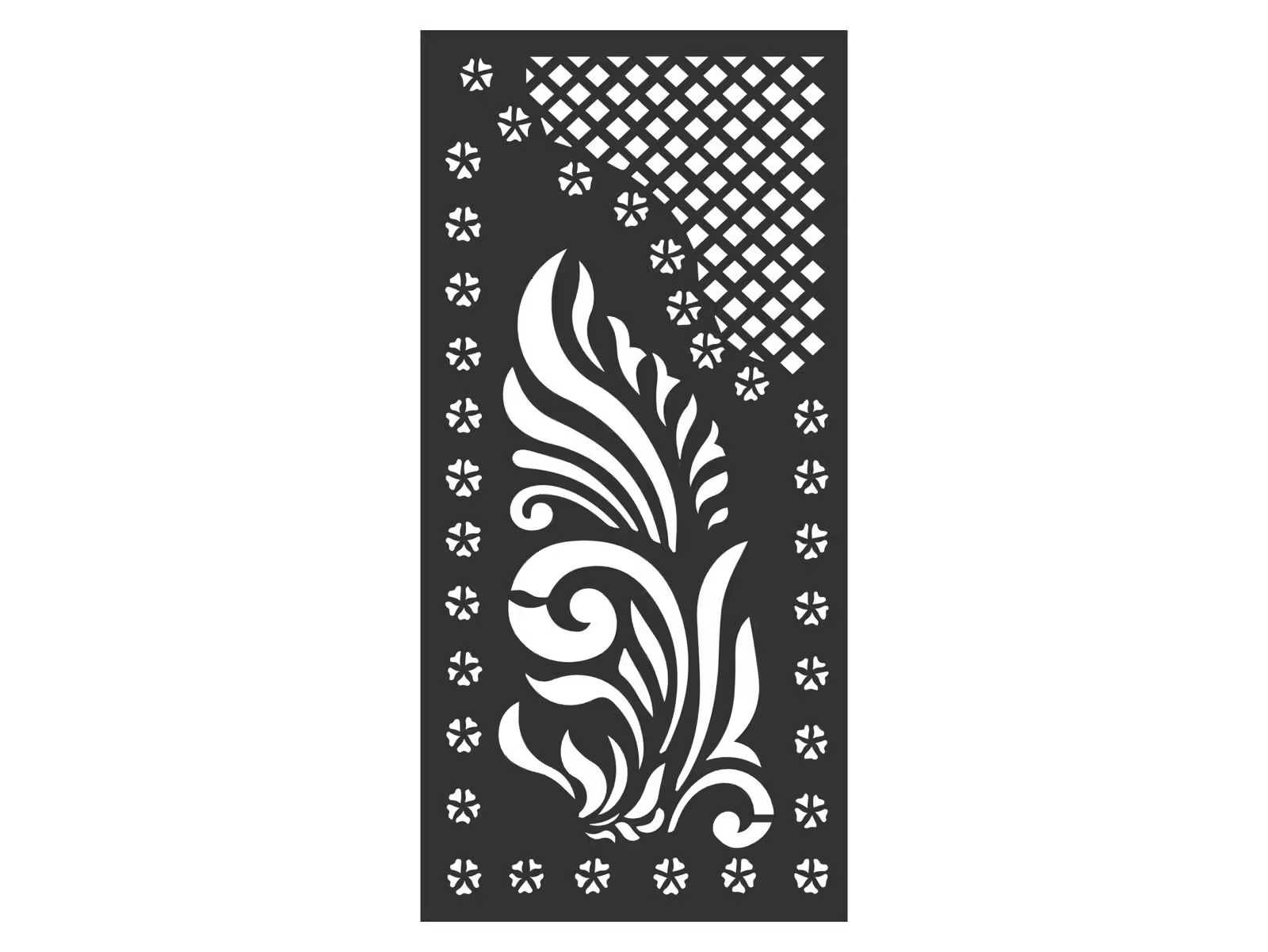
A decorative metal gate panel can combine visual character with the strength and precision of CNC fabrication. Design reference A002684 identifies a vector-based panel concept intended for production workflows that use compatible cutting equipment. Before fabrication, review the drawing carefully and confirm that its dimensions and details suit the intended gate.
What to Check in the Vector Design
A DXF file typically describes outlines and cut paths that can be interpreted by CAD/CAM software. Open the vector drawing in the software used by your fabricator and inspect its scale, units, closed contours, and linework. Look for duplicate paths, stray points, or very small features that may be difficult to cut cleanly. If the design needs resizing, preserve the proportions unless the pattern is specifically being adapted.
Matching the Pattern to the Material
The choice of metal affects both appearance and performance. Steel is often selected for its strength, while aluminum may be useful where lower weight or corrosion resistance is a priority. Material thickness, panel dimensions, and the size of the decorative openings should be considered together. Fine details and narrow bridges can weaken a panel or complicate cutting, so ask the fabricator to assess them before production.
Preparing for CNC Cutting
Before sending the A002684 vector design for cutting, confirm the machine’s supported file format and the shop’s preferred drawing conventions. A DXF may require cleanup or conversion depending on the equipment and software. Request a proof or test cut when practical, especially if the panel must fit an existing frame. Verify clearances, mounting points, and edge conditions against measured site dimensions.
From Panel to Finished Gate
After cutting, finishing steps such as deburring, welding, coating, or painting can influence the final result. Protect exposed metal appropriately for its environment, and ensure that the panel is installed securely within a suitable gate structure. Careful checks at the design and fabrication stages help turn a decorative vector pattern into a durable, well-fitted metal feature.
Thank You for Being Here
We’re so happy you stopped by! We hope you enjoy your experience and discover the perfect CNC design files for your projects. If you ever need assistance, don’t hesitate to reach out. We’re always glad to help.
Wishing you happy carving, smooth projects, and endless creativity! ✨😊

CNC File & Carving Specifications
Verified Cut-Ready- Delivered Format: 2D Metal Gate & Panel DXF (100% closed cut contours, zero open nodes)
- Tested Programs: LightBurn, RDWorks, LaserCAD, AutoCAD, CorelDRAW (all versions), Fusion 360
- Toolpath Recommendations: Continuous closed contour cut paths with optimal lead-in & lead-out piercing points
- Recommended Materials: Mild Steel (MS Sheet 1.5mm - 8mm), Stainless Steel (SS 304/316), WPC Board, ACP Sheet, Brass & Aluminum
- CNC Compatibility: Industrial Fiber Laser (Sheet Metal), Heavy-Duty CNC Plasma Table, Flatbed Laser Cutter
- Stock Sizing: Vector precision: smooth tangent arcs and optimized nodes ensure fast cutting speeds and minimal dross on laser/plasma edges