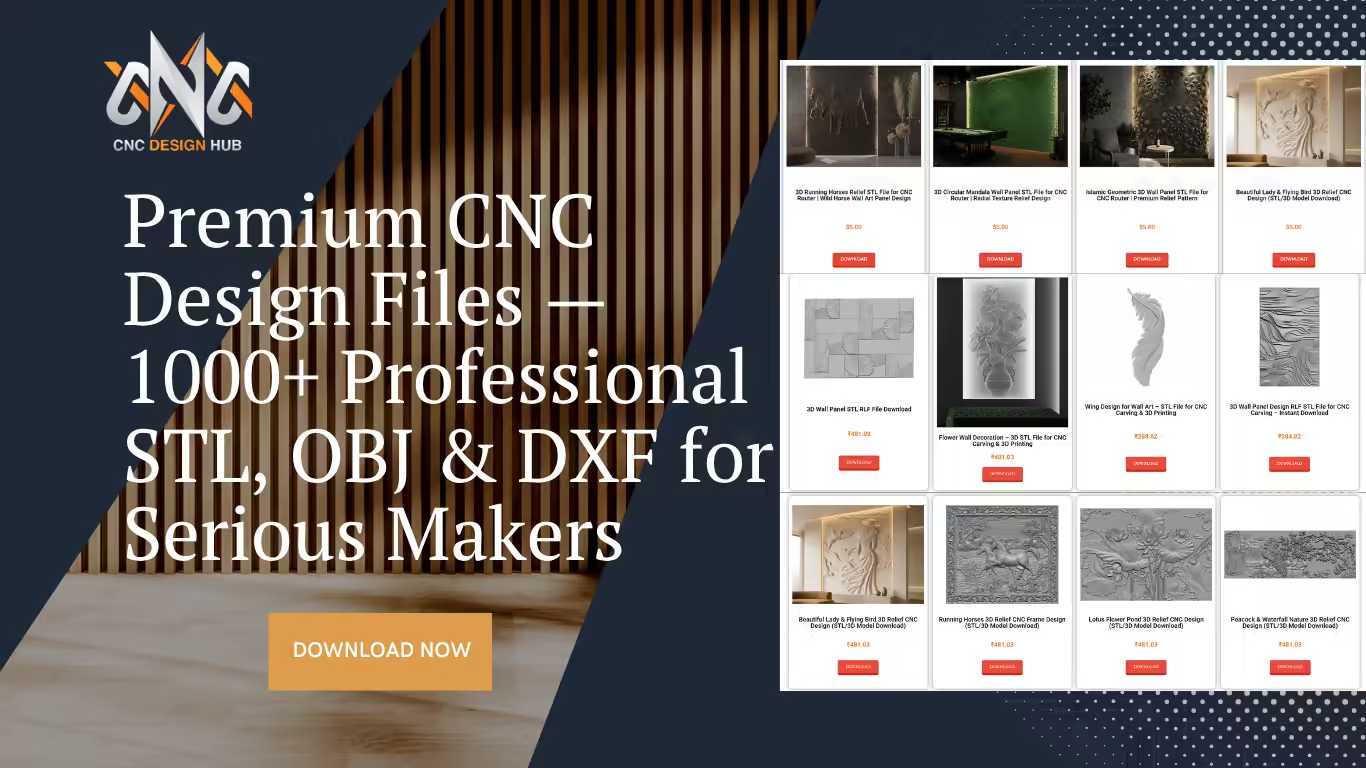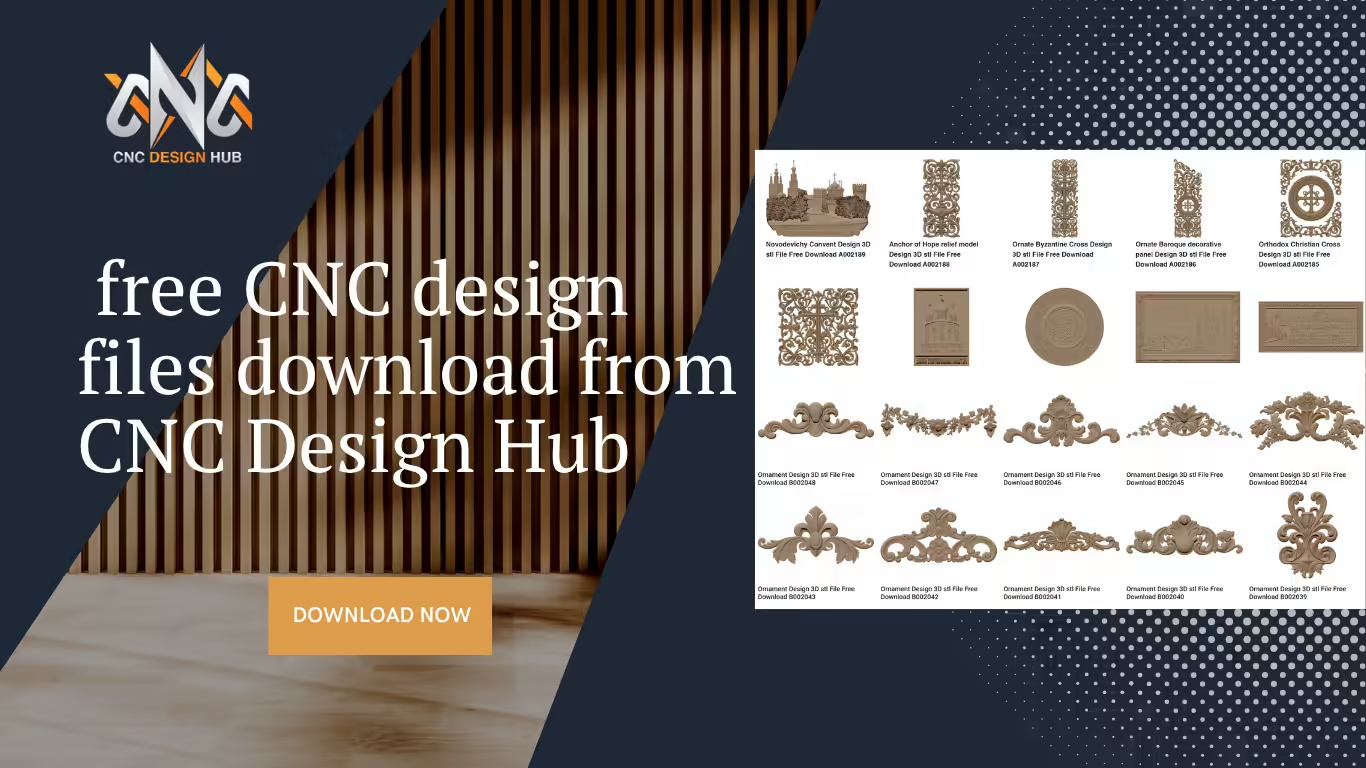
Downloading free CNC design files has never been easier. CNC Design Hub provides high-quality STL, DXF, and SVG files that you can use for wood carving, MDF projects, and more…
How to Download Free CNC Design Files?
How to download free CNC files from CNC Design Hub — a step-by-step guide
TutorialA complete, beginner-friendly walkthrough for finding and downloading professional STL, DXF, and SVG files — completely free.
If you are looking for free CNC design files, you have come to the right place. CNC Design Hub (cncdesignhub.com) offers a wide collection of high-quality STL, DXF, and SVG files that you can download for free and use in your CNC woodworking, MDF, and acrylic projects. Whether you are a woodworker, furniture maker, or CNC enthusiast, this guide walks you through exactly how to find, download, and start using these files in just a few minutes — no subscription or login required.
What file formats are available?
CNC Design Hub provides free CNC design files in three industry-standard formats, compatible with virtually all CNC routers, laser cutters, and carving machines:
Browse the design categories
Head to cncdesignhub.com and use the navigation menu at the top of the page. The site is organized into clear, easy-to-find categories so you can quickly zero in on what you need. Here is a quick overview of what is available:
You can also use the search bar at the top of the page to look for a specific design by keyword — for example, “ornament”, “table legs”, or “4-axis”.
Open a design page
Click on any design thumbnail that catches your eye. Each design has its own dedicated page where you can see a preview image of the 3D model, the file name and reference code (for example, B002048), and the file format included with the download.
Take a moment to review the preview carefully. The preview image shows you exactly what the carved or machined piece will look like, helping you confirm it is the right design before you download.
Download your file
Once you are on the design page, scroll down to find the Download button. For free files, no account or payment is required — simply click the button and your file will begin downloading immediately to your device.
The file typically arrives as a .zip archive or a direct .stl / .dxf file. If it is a zip file, extract it using your operating system’s built-in tool (right-click → Extract All on Windows; double-click on Mac) before importing it into your CNC software.
One of the best things about CNC Design Hub is that all the free CNC design files available here are compatible with popular software like Artcam, Aspire, and Cut3D. Whether you are a beginner or a professional, you can easily find the right design for your project and start carving right away.
Use the file in your CNC software
Once downloaded, import your file into your preferred CNC CAM software to generate toolpaths. Here is which software works best with each format:
Set your material thickness, select the appropriate bit (a ball-nose bit for 3D STL files; a flat end mill or V-bit for 2D DXF files), and generate your toolpath as you normally would.
Tips for getting the most out of your downloads
Scale to your material size. All free CNC design files on CNC Design Hub are created at a standard reference size, but you can freely scale them up or down in your CAM software to fit your workpiece. Always check the dimensions before cutting.
Test on scrap first. Before running a full project on expensive hardwood or MDF, do a test run on a cheap piece of pine or foam. This confirms your toolpaths and feed rates are correct.
Keep a local library. As you download more designs, organize them into folders by category on your computer. CNC Design Hub adds new files regularly, so it is worth bookmarking the site and checking back often.
Check back for new uploads. The team at CNC Design Hub regularly publishes new designs across all categories. Bookmark the site and visit often — the library grows every week.
Ready to start creating?
We hope this guide helped you understand how to download free CNC design files from CNC Design Hub. All files are available in STL and DXF formats and are completely free to download. Visit our website regularly as we keep adding new designs every week. If you face any issues while downloading, feel free to contact us and we will resolve your problem as soon as possible.
Browse Free Designs →💛 Enjoying Our Designs?
If our website and designs have been useful to you, we’d truly appreciate it if you shared them with your friends, colleagues, and fellow makers. Every share helps us grow and stay inspired to create new designs, improve the platform, and keep this project going.
It means the world to us. Thank you for being part of this community! 🙏