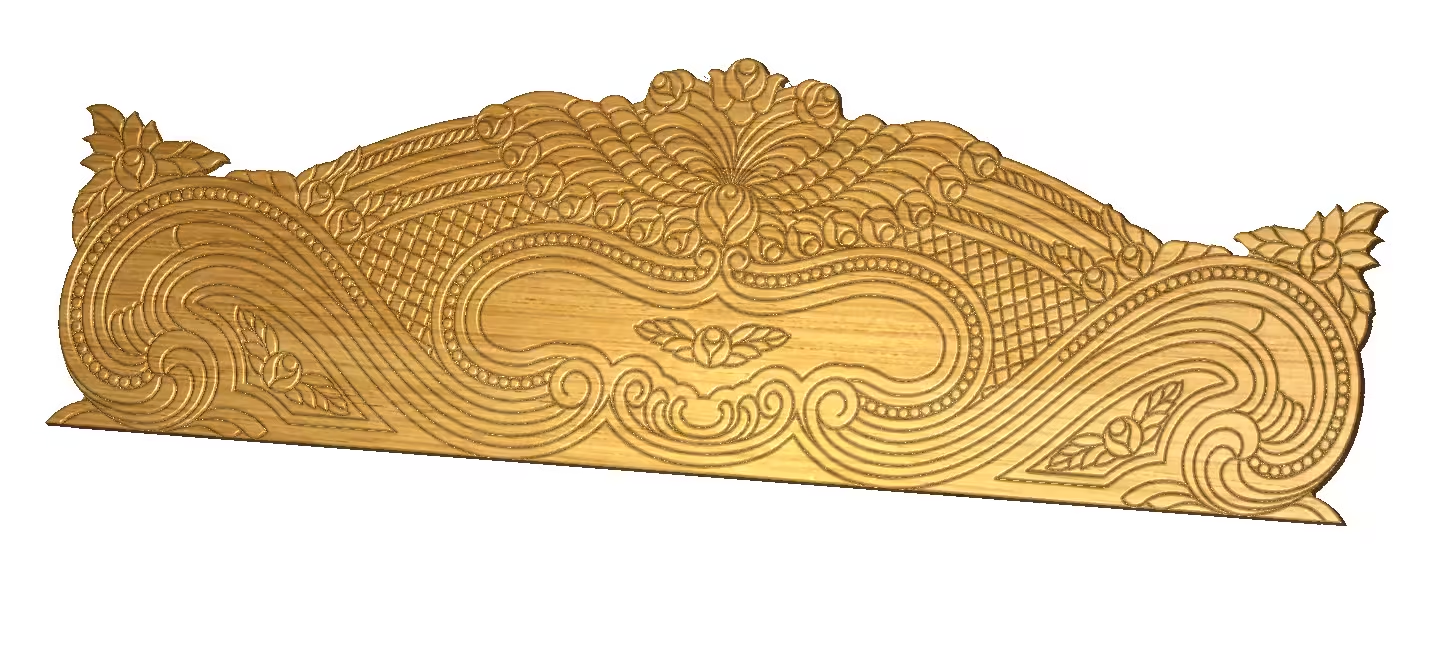
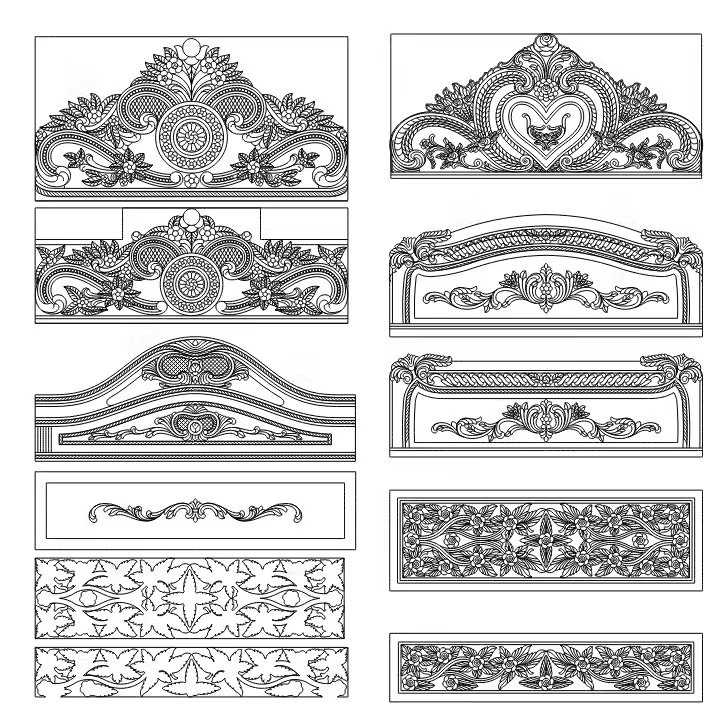
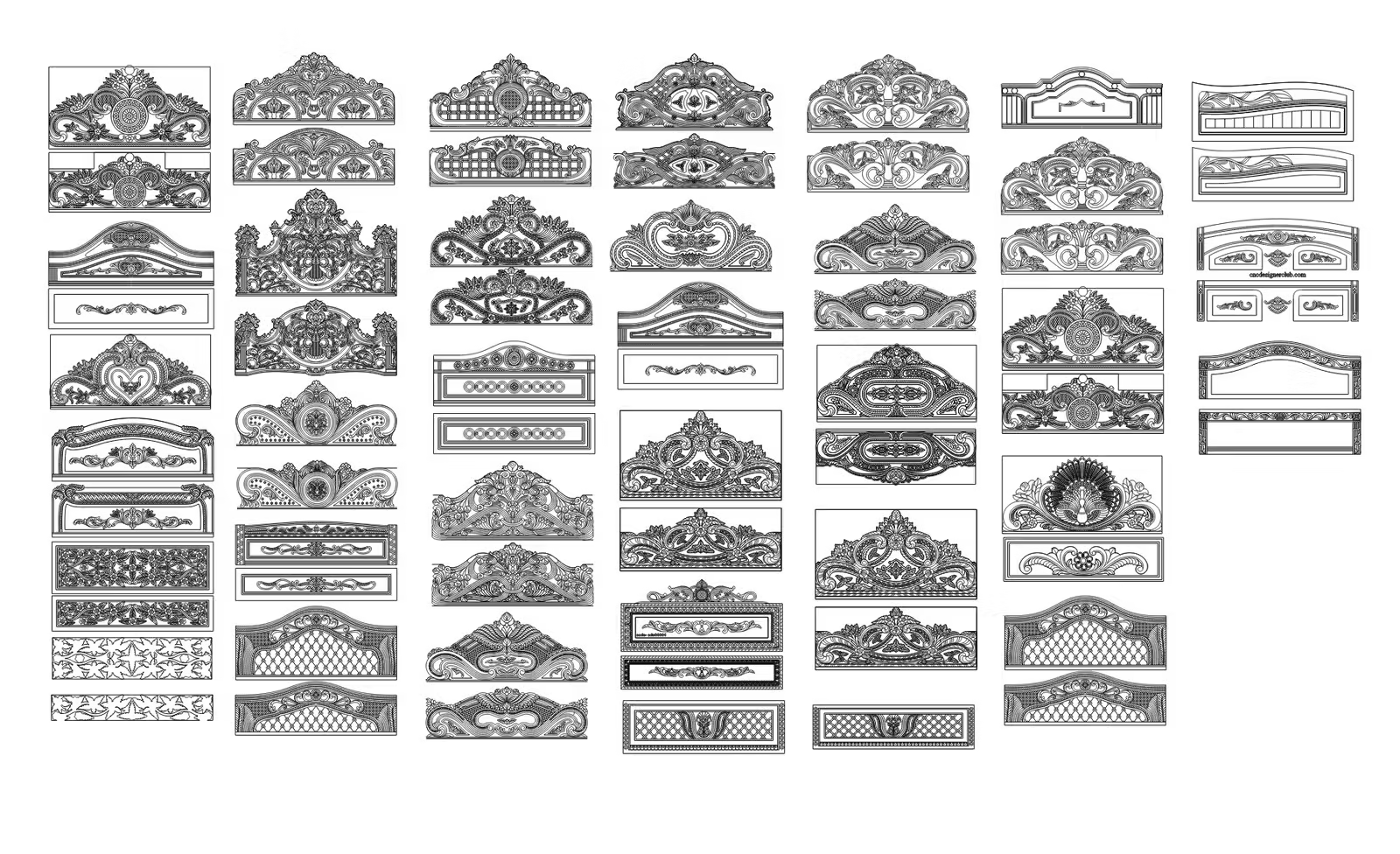
A 2D Bed Design DXF file is a vector-based digital format typically used in CAD (Computer-Aided Design) software. It includes detailed technical drawings that can be used to manufacture or visualize a bed’s structure. The design in this file is rendered in 2D (two-dimensional), meaning it shows the bed from flat perspectives such as top, side, and front views.
Here’s a breakdown of what the file might contain:
Components in the DXF file:
Frame Outline: Lines or polylines that outline the bed’s structure, including the headboard, footboard, side rails, and any additional supports.
Cutouts and Slots: If the bed is designed for assembly, the file might include specific cutouts, slots, or joint details for components like screws, dowels, or bolts.
Material Thickness and Sections: May show the thickness of the wooden or metal parts in a cross-sectional view.
Detailed Dimensions: Clear dimensioning for various parts, ensuring each component is correctly sized for fabrication.
Accessories and Add-Ons: If the bed design includes shelves, drawers, or a specific mattress frame, these could also be outlined.
These DXF files are typically downloaded for use with CNC machines, laser cutters, or other fabrication tools to cut and assemble the bed parts
CNC File & Carving Specifications
Verified Cut-Ready
Delivered Format:2D Vector DXF & SVG (100% clean vectors with zero overlapping nodes)